If you are integrating OpenAI image generation today, the safest current default is the direct Images API, not the Responses API. Use POST /v1/images/generations for one-shot image generation, use POST /v1/images/edits when you already have source images to modify, and move to the Responses image_generation tool only when image output is one step inside a broader multimodal or agentic flow.
That answer matters because OpenAI's current documentation still makes this keyword more confusing than it should be. On March 23, 2026, the main image generation guide clearly says there are two main ways to generate or edit images with the API and recommends the Image API for a single image. But the exact raw endpoints live on the Images API reference, the Responses-specific rules live on the image_generation tool guide, and one official page, Images and vision, still says the latest image generation model is gpt-image-1 instead of GPT Image 1.5.
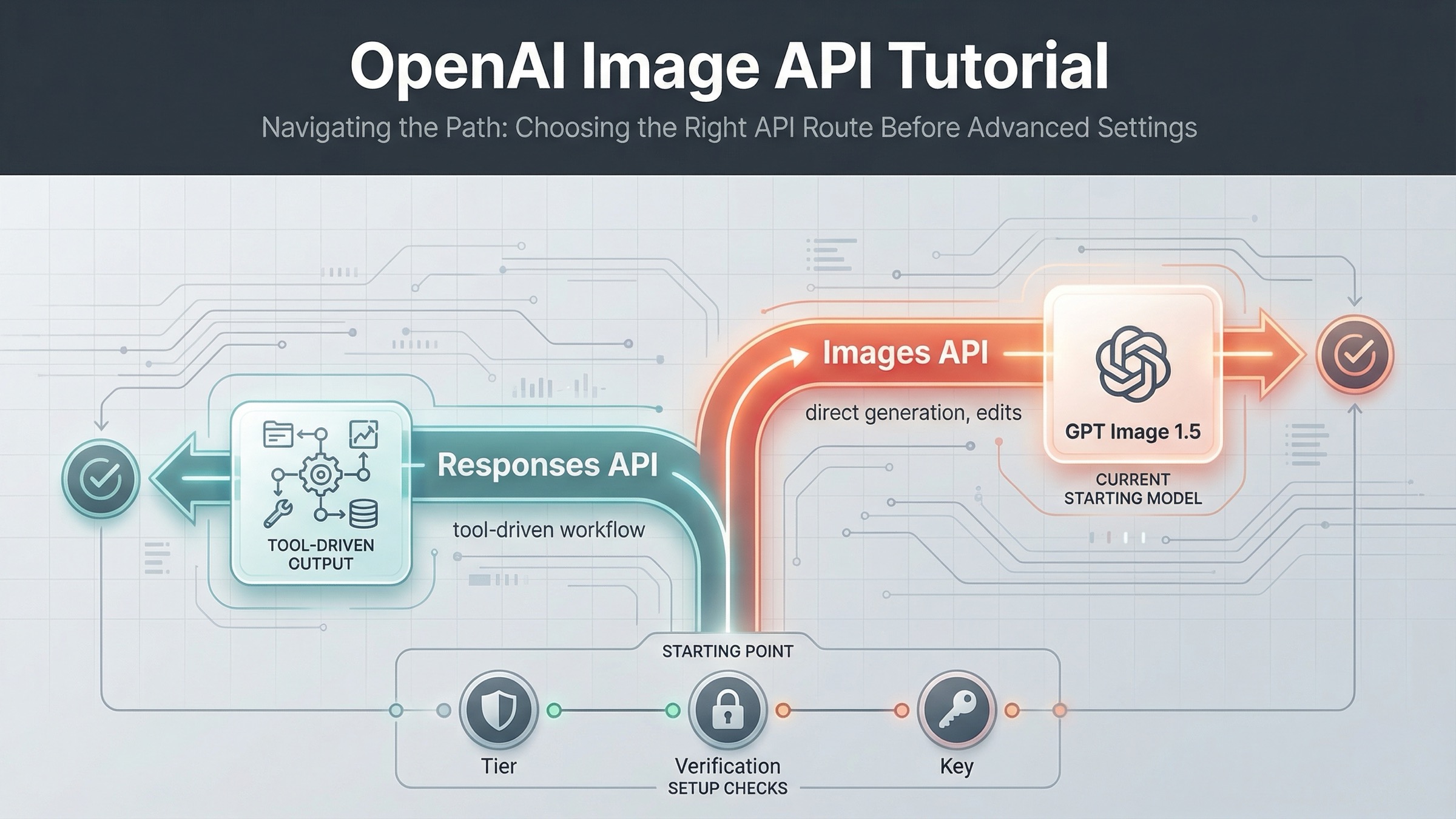
So the right way to answer this keyword is not "here is one URL path." It is "here is the right request surface for the job you are actually doing." If your first goal is to prove one image request works, stay on the direct Images API. If your product later needs a reasoning model to decide when to generate images inside a longer conversation, that is when Responses becomes the right route.
The current OpenAI image endpoint map in one table
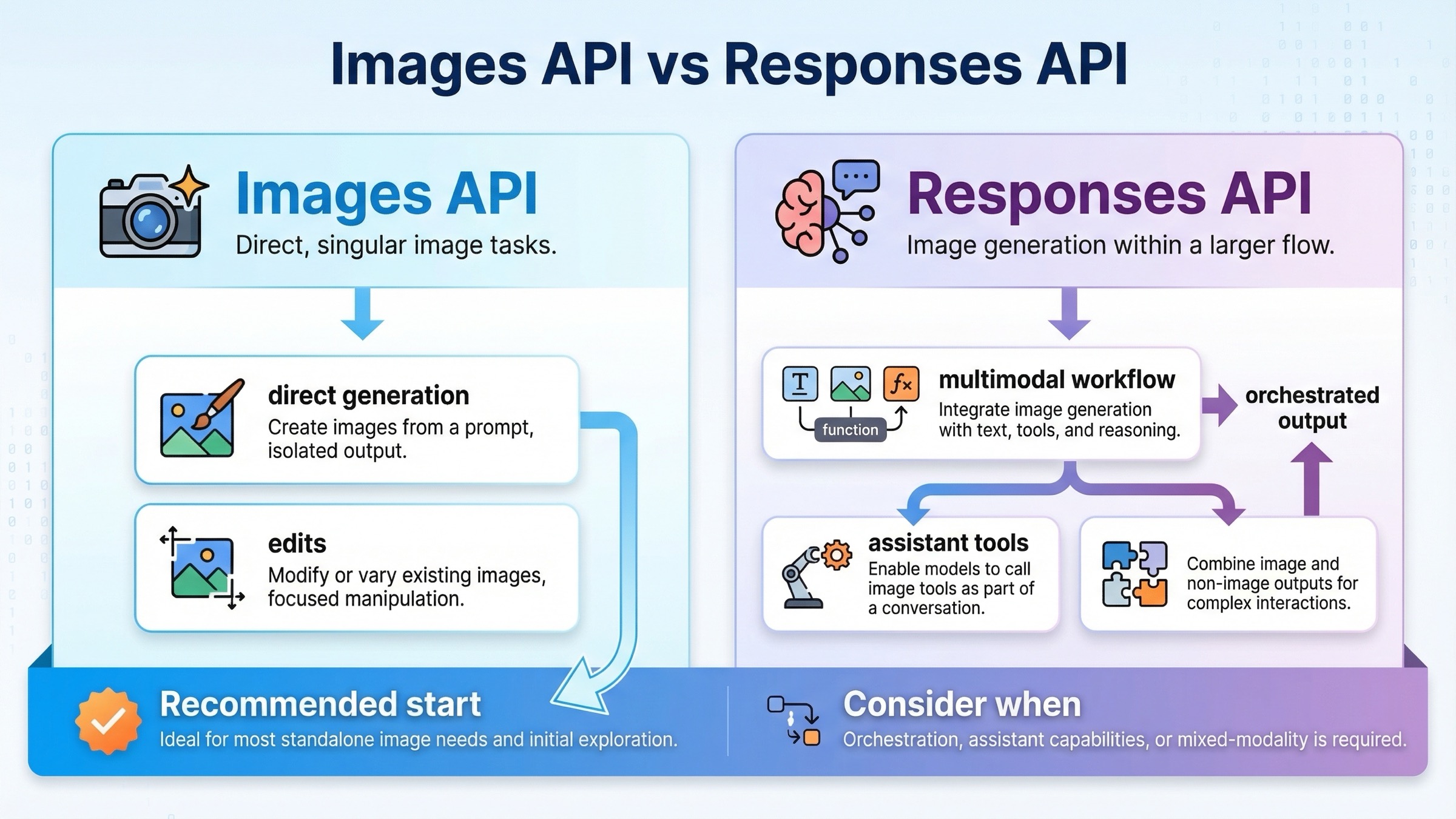
The current OpenAI image stack is easiest to understand if you separate direct image work from tool-based multimodal orchestration.
| Job | Best current route | Raw path or SDK call | What goes in model | Use this first when... | Main mistake to avoid |
|---|---|---|---|---|---|
| Generate one image from a prompt | Images API | POST /v1/images/generations or client.images.generate() | gpt-image-1.5 for the current flagship lane | You want the shortest current path to a working image request | Starting with Responses just because it looks newer |
| Edit one or more source images | Images API | POST /v1/images/edits or client.images.edit() | gpt-image-1.5 for the current flagship edit path | You already have input images and need a direct edit workflow | Treating editing as if it requires a hosted tool flow |
| Generate images inside a broader assistant or multimodal workflow | Responses API with image_generation tool | client.responses.create() with tools: [{ type: "image_generation" }] | A text-capable mainline model such as gpt-5 | Image output is only one step in a larger reasoning flow | Putting gpt-image-1.5 in the top-level Responses model field |
That table is the shortest honest answer because it follows the way OpenAI currently documents the platform. The main image-generation guide says there are two main routes, and it points ordinary single-image use toward the Image API. The tool guide exists for the opposite case: when image generation is embedded in a broader model interaction.
The practical rule is simple. Use the direct Images API until you have a real reason not to. That keeps the first working request easier to debug, easier to document, and easier to hand to a teammate later.
If you are still choosing the model name, settle that question first with our OpenAI image generation API models guide. This page is narrower on purpose. It is here to help you avoid calling the wrong surface before the code path even starts.
Start with POST /v1/images/generations for one-shot image output
For most fresh integrations, this is the best first proof that your API key, project, and payload shape are all working. The current Images API reference lists POST /images/generations as the raw endpoint, which in practice means calling https://api.openai.com/v1/images/generations from your backend. The current GPT Image 1.5 model page is the cleanest freshness anchor for the model choice, because it labels GPT Image 1.5 as the latest image generation model.
The first request should be boring on purpose. A square image, one prompt, and the current flagship model tell you whether the real plumbing works. That is a better starting point than trying to solve generation, editing, transparency, tool orchestration, and access troubleshooting in one first experiment.
Here is the shortest useful cURL example:
bashcurl https://api.openai.com/v1/images/generations \
  -H "Authorization: Bearer $OPENAI_API_KEY" \
  -H "Content-Type: application/json" \
  -d '{
    "model": "gpt-image-1.5",
    "prompt": "Create a clean editorial illustration of a robot camera operator in a bright studio",
    "size": "1024x1024",
    "quality": "medium"
  }'
If you prefer the SDK path, the direct JavaScript method name maps cleanly to the same route:
jsimport OpenAI from "openai";

const client = new OpenAI({ apiKey: process.env.OPENAI_API_KEY });

const result = await client.images.generate({
  model: "gpt-image-1.5",
  prompt: "Create a clean editorial illustration of a robot camera operator in a bright studio",
  size: "1024x1024",
  quality: "medium",
});
The Images API reference also matters here for one practical reason weak articles often skip: GPT image models return b64_json by default. That means your first happy-path test should prove more than "the request returned 200." It should prove that your backend can decode the returned image payload and save or forward it correctly. That is another reason this endpoint is the right first move. It gives you the smallest possible loop from request to usable output.
That is the endpoint branch to recommend first because it answers the real operational question: can I get one image back from the current OpenAI image stack without extra orchestration? If the answer is yes, you can layer on edits, transparency, output format changes, or Responses later. If the answer is no, the problem is usually access, account state, or stale model assumptions, not some missing agent framework.
For the full multi-language code walkthrough, go straight to our OpenAI image generation API example. This article stays narrower: endpoint choice first, implementation detail second.
Use POST /v1/images/edits when you already have source images
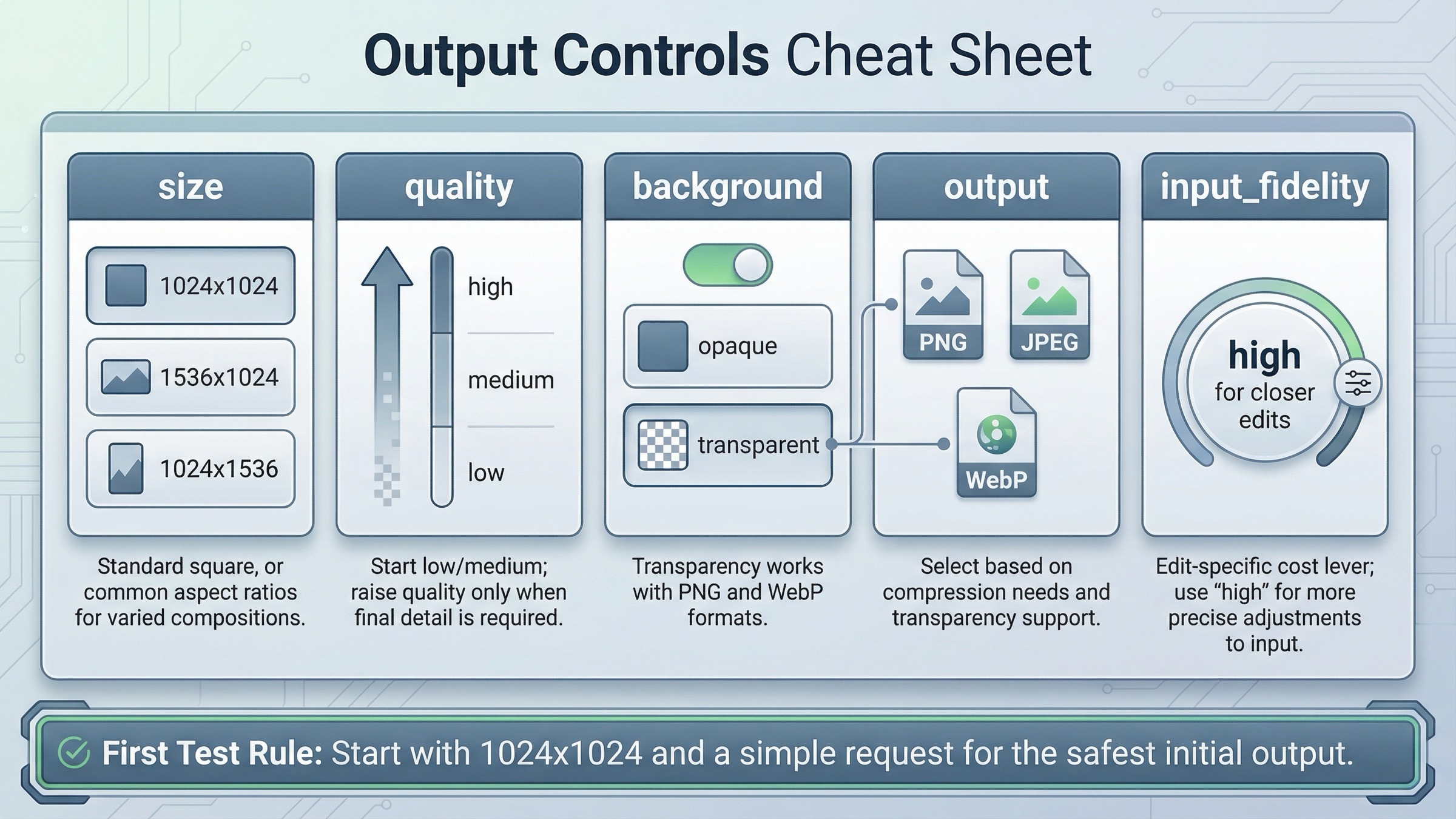
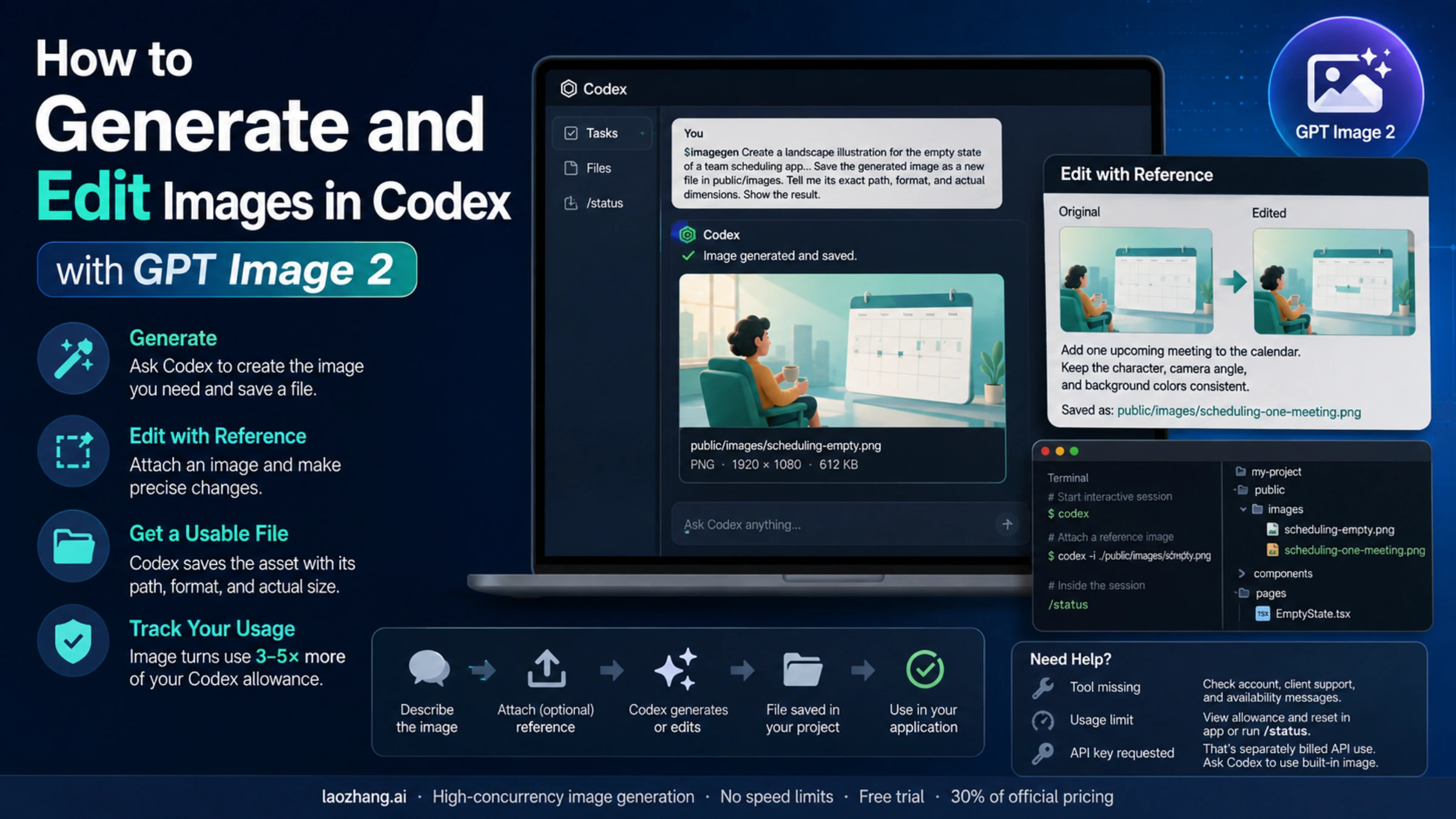
Many readers search for "image generation endpoint" and then discover halfway through their implementation that what they really need is not pure generation at all. They already have a product shot, a reference image, or a creative asset they need to revise. In that case, the better current route is still the direct Images API, just on the edit branch.
The Images API reference lists POST /images/edits as the raw edit endpoint, and the main image-generation guide now shows GPT Image 1.5 edit examples directly on the Images API path. That matters because it means you do not need to move into Responses just to do standard image editing.
The direct SDK version is equally straightforward:
jsimport fs from "fs";
import OpenAI from "openai";

const client = new OpenAI({ apiKey: process.env.OPENAI_API_KEY });

const result = await client.images.edit({
  model: "gpt-image-1.5",
  image: [fs.createReadStream("product-shot.png")],
  prompt: "Keep the product shape, but place it on a clean studio shelf with warm lighting",
  input_fidelity: "high",
});
That detail about input_fidelity: "high" is worth calling out even in an endpoint article, because it shows the direct edit route is not a toy path. It is the real current OpenAI editing surface. You only need to leave it when the workflow becomes more complex, not when the image task becomes more serious.
This is the point where many weak tutorials start sending readers in the wrong direction. They treat all image workflows as if they should converge on one generic Responses example. That makes the learning path slower than it needs to be. If the job is still "change or extend this image," direct edits are the cleaner route because the request shape stays closer to the image task itself.
The more detailed question after that is not "which endpoint?" but "how much of the source image do I need to preserve, and when is input_fidelity=high worth the extra cost?" That is a deeper workflow question, so we cover it in the dedicated OpenAI image editing API guide. For this article, the important rule is simpler: editing is still a first-class Images API path, not an automatic reason to switch request surfaces.
Only move to Responses when image generation is one part of a larger flow
Responses is the right route when the image step is not the whole product. If your application needs a reasoning model to read instructions, maybe inspect prior context, maybe call other tools, and then sometimes generate an image, the hosted image_generation tool becomes a better abstraction than a direct image-only endpoint.
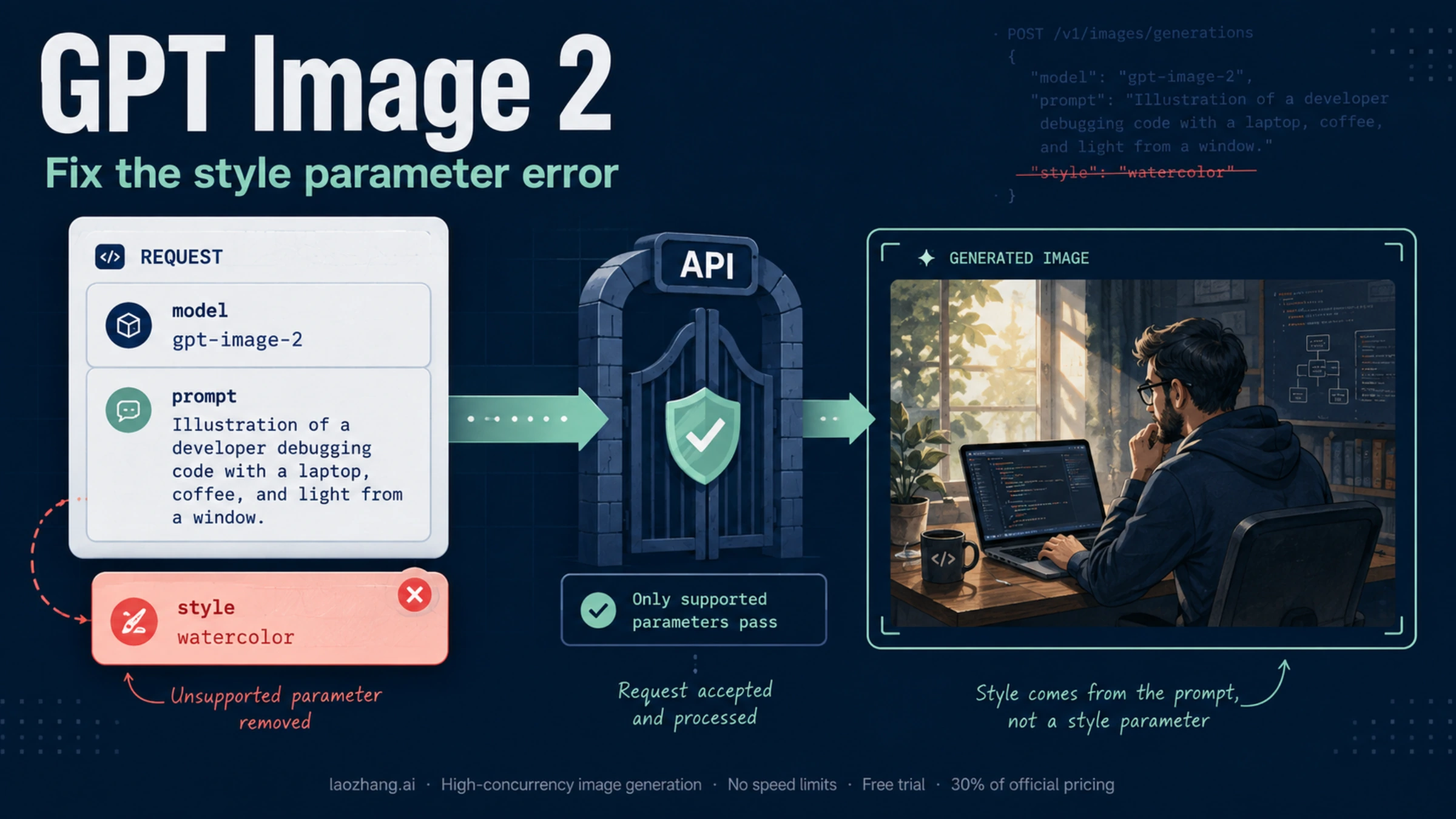
The important implementation detail is the one many searchers miss: the top-level Responses model field is not where you put gpt-image-1.5. The current image_generation tool guide says GPT Image models are used behind the hosted tool, but those model IDs are not valid values for the top-level Responses model field.
That means the shape looks like this:
jsimport OpenAI from "openai";

const client = new OpenAI({ apiKey: process.env.OPENAI_API_KEY });

const response = await client.responses.create({
  model: "gpt-5",
  input: "Generate a transparent sticker-style icon of a paper airplane for a travel app",
  tools: [{ type: "image_generation", background: "transparent", quality: "high" }],
});
This is a valid route, but it solves a different problem from the direct Images API. It is stronger when:
- the same request may produce text and images
- image generation is one tool among several
- the model needs to decide whether to generate, revise, or continue reasoning
It is weaker when your real goal is just to confirm a direct image endpoint works. In that case, Responses adds more moving parts: a mainline reasoning model, tool invocation, tool output parsing, and a more indirect debugging surface.
So the rule is not "Responses is newer, therefore better." The rule is "Responses is better when orchestration is the real job." If orchestration is not the real job yet, direct image endpoints are still the better first move.
If you want the broader route-choice explanation after this page, the next step is our OpenAI image API tutorial, which covers when to expand beyond the shortest working path.
The docs mismatch and access checks that make good endpoints look wrong
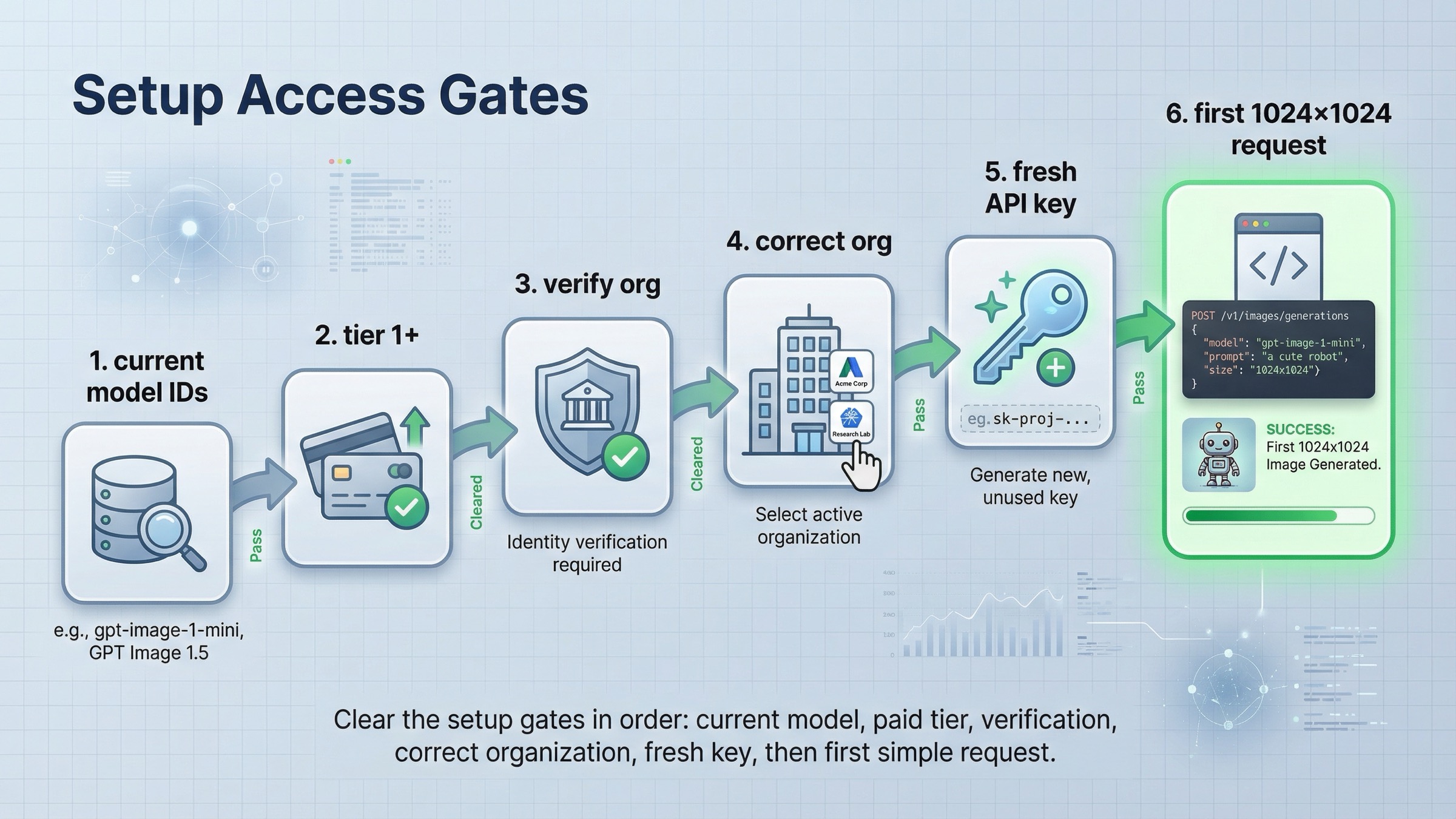
This is the part page one still handles badly. A lot of developers think they picked the wrong endpoint when the real problem is either freshness confusion or account access.
The freshness confusion is real. On March 23, 2026, the all-model catalog positions GPT Image 1.5 as the state-of-the-art image generation model. The current GPT Image 1.5 model page also treats it as the current flagship image lane. But the official Images and vision guide still says the latest image generation model is gpt-image-1. The older cookbook example also still uses gpt-image-1.
That does not mean the docs are useless. It means the docs are not perfectly synchronized. The cleanest correction is:
- use the API reference for raw endpoint paths
- use the all-model catalog and GPT Image 1.5 model page for freshness
- use the main guide for route choice
- use the Responses tool guide only when you are actually on the Responses path
The access confusion is the second trap. The current GPT Image 1.5 model page shows Free not supported, and its public limits table starts at Tier 1 with 100,000 TPM and 5 IPM. The API model availability help article separately lists gpt-image-1 and gpt-image-1-mini for tiers 1 through 5, with some access subject to organization verification. That means a request can fail even if the endpoint choice itself is correct.
There is also rollout-history noise left in the ecosystem. In OpenAI's own GPT Image 1.5 rollout thread, developers reported seeing model-availability issues while the rollout was still in progress. Those launch-era answers can linger in search results, copied tutorials, and cached snippets long after the steady-state docs move on.
So the right debugging order is:
- confirm the correct current route: Images API first, Responses only when needed
- confirm the correct current model default: GPT Image 1.5 for fresh flagship work
- confirm tier and organization state
- only then rewrite payloads or SDK calls
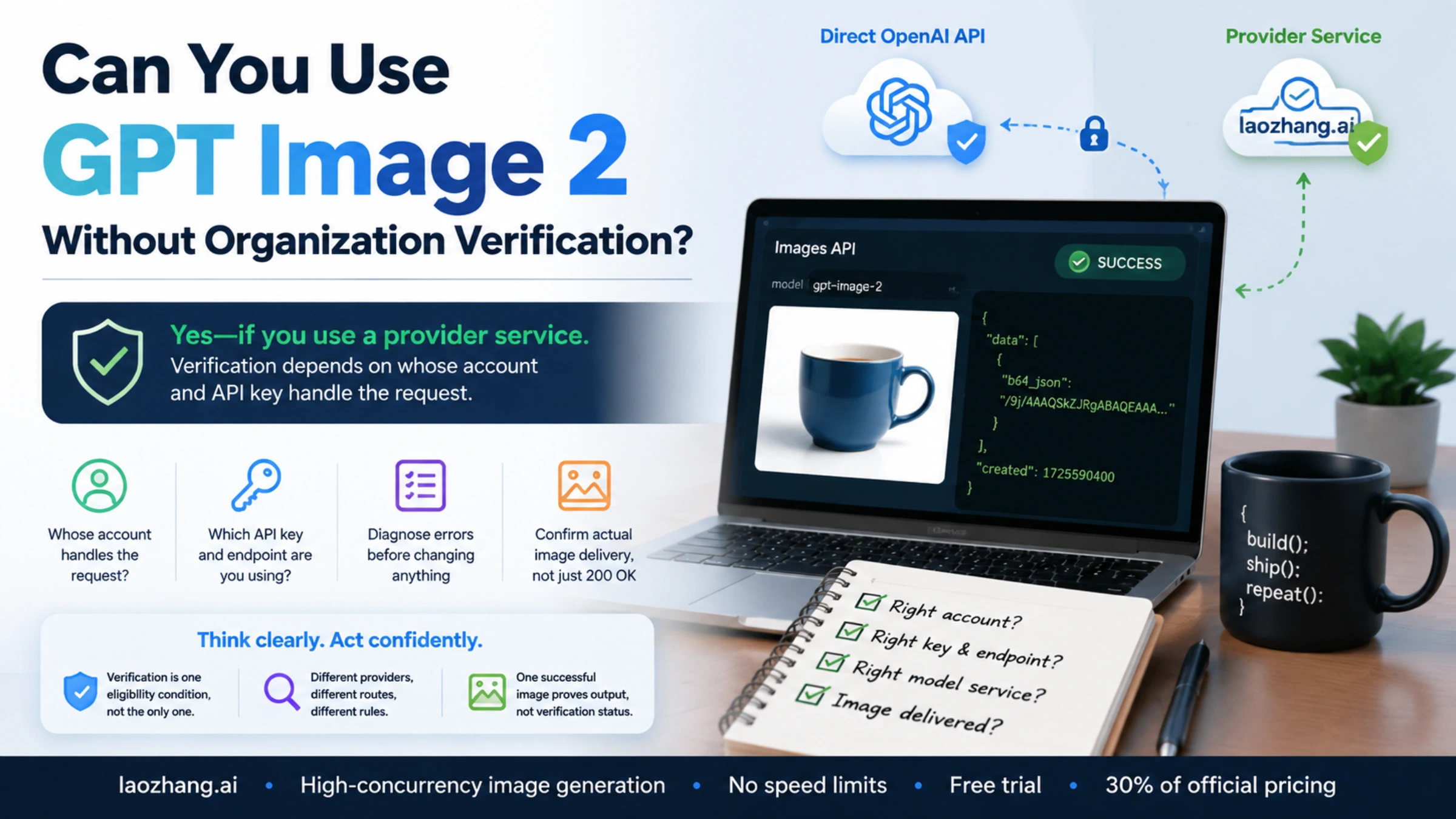
If your actual blocker is access rather than route choice, the better next page is our dedicated OpenAI image generation API verification guide. Changing endpoints randomly is usually the wrong fix for that branch.
Final recommendation
If you want the shortest reliable answer for March 23, 2026, use this rule:
- use
POST /v1/images/generationsfor direct one-shot image generation - use
POST /v1/images/editswhen you already have source images - use Responses with
image_generationonly when image output is one tool inside a broader multimodal flow - use the API reference for raw paths and the all-model catalog plus GPT Image 1.5 model page for freshness
That sequence is better than the current page-one average because it turns a pile of official facts into one implementation decision. Most ranking pages still make the reader assemble the answer themselves from reference pages, help pages, and older examples. The cleaner move is to decide the surface first, prove one direct request works, and only then add the extra complexity your product actually needs.
FAQ
Do I need Responses for ordinary image editing?
No. For normal edit workflows, OpenAI's current docs still support the direct Images API route through POST /v1/images/edits and client.images.edit(). Responses is the better fit only when the image step belongs inside a larger multimodal or agentic workflow.
Should I still use gpt-image-1 because some official pages mention it?
Not as the fresh default. As checked on March 23, 2026, the current all-model catalog and GPT Image 1.5 model page treat GPT Image 1.5 as the latest flagship image lane. Keep gpt-image-1 for migration or legacy comparison work, not as your first new integration choice.
Why can a correct endpoint still fail?
Because endpoint routing and account readiness are separate concerns. The current GPT Image 1.5 model page shows Free is not supported, and OpenAI's availability guidance still ties some image access to paid tiers and organization verification. If the path is right but the request still fails, check access before rewriting the code.