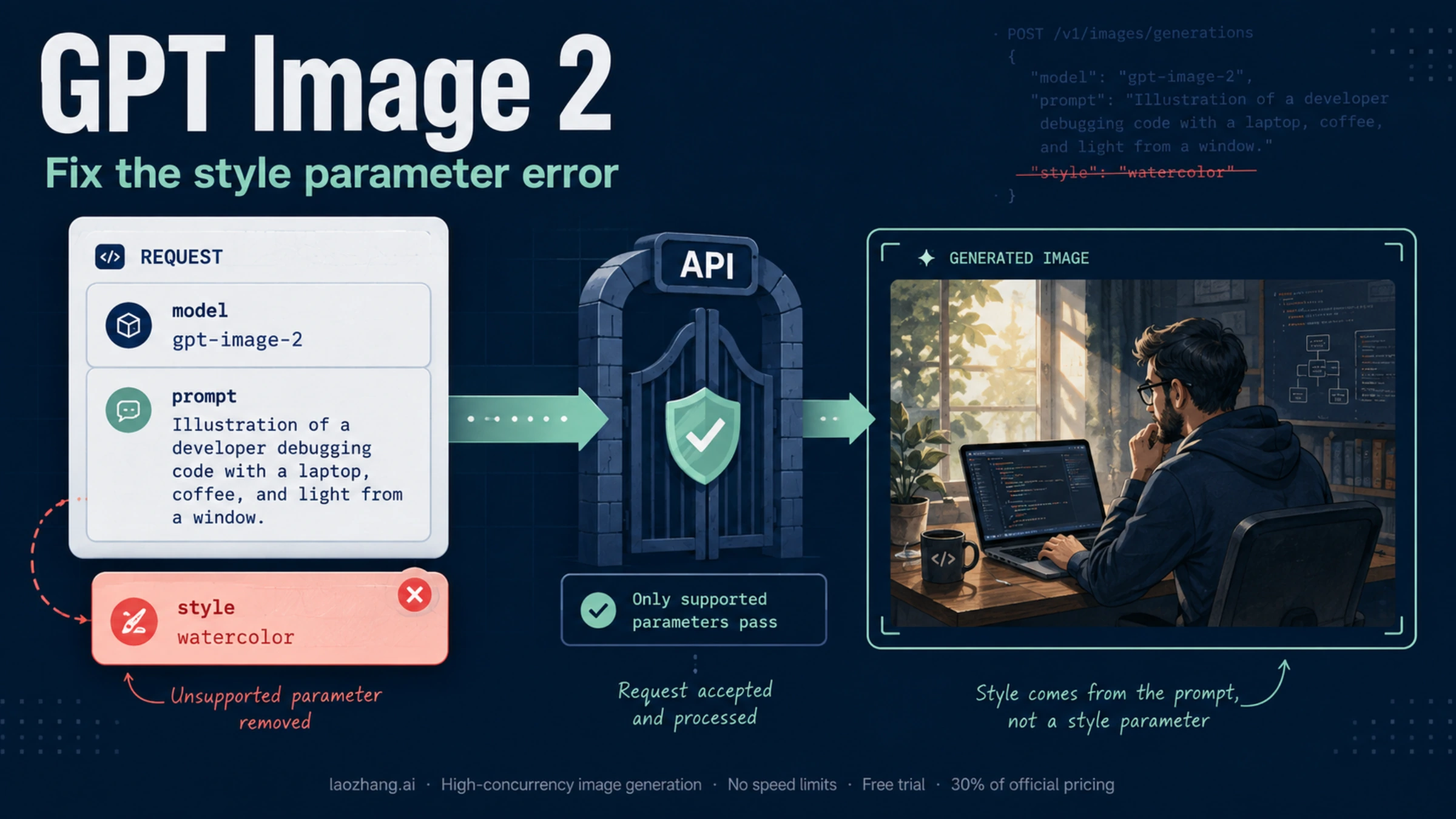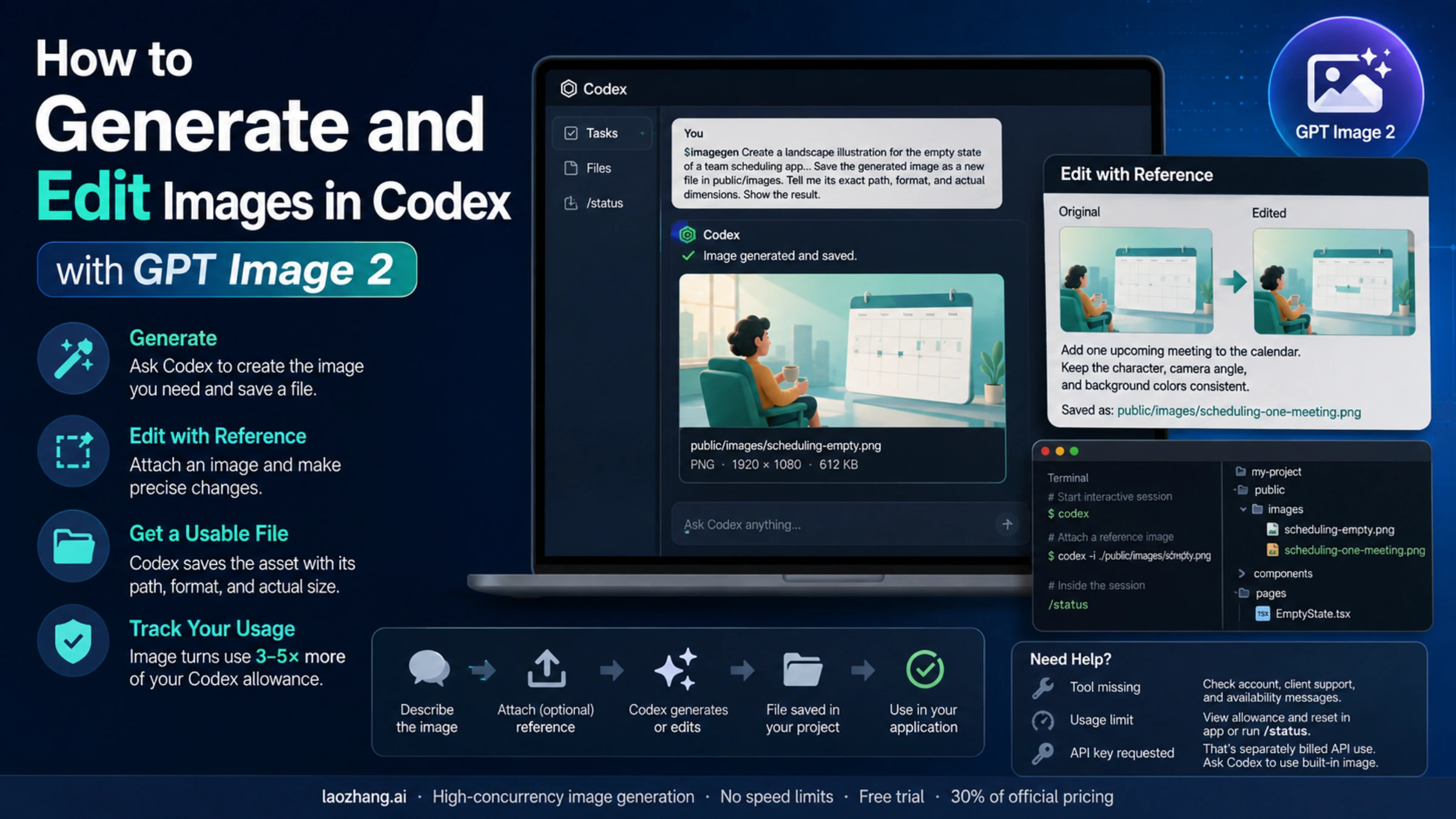
GPT Image 2 supports image edits through client.images.edit() and POST /v1/images/edits. If your request returns Value must be 'dall-e-2', changing the model to DALL·E 2 is not a current fix: OpenAI has removed that model from the API. The message tells you that model validation failed somewhere in the request path; it does not, by itself, identify why. These are the documented model capabilities as of September 8, 2026. GPT Image 2 model page, DALL·E 2 model page.
For one edit, start with the direct Images API. Get a small request working and save its output before adding a mask, multiple references, or your application’s upload abstraction. The examples below are documentation examples, not results from a live API test.
Moving from variations to reference-based edits
If your application still calls /v1/images/variations, change the operation to /v1/images/edits and the SDK helper from client.images.create_variation() to client.images.edit(). Changing only the model name leaves the old operation in place. The variations reference restricts that endpoint to DALL·E 2; a broader shared ImageModel enum does not override that restriction.
GPT Image 2 can produce visual alternatives from a reference through edits. Unlike the old promptless variations workflow, the edit request needs a nonempty prompt. Make it a useful instruction, not whitespace or an empty placeholder: decide what may change and what identifies the original subject. The edit reference requires at least one character, but meeting that schema minimum alone does not define a good alternative.
For a product photo, an instruction could be: “Photograph this backpack on a wooden bench against a pale studio background. Preserve its shape, fabric, zipper layout, and logo placement. Use a three-quarter camera angle and soft shadows.” The setting and view may change; the product's defining features should remain. Use that prompt with the complete edit examples below and your own source image.
Increasing n requests more outputs; it does not restore the legacy endpoint's promptless behavior. Likewise, a mask helps locate a change, but is not required just to create a reference-based alternative. Start with one result so you can establish that both the request and the intended visual change work before asking for more.
Make one edit and save the returned image
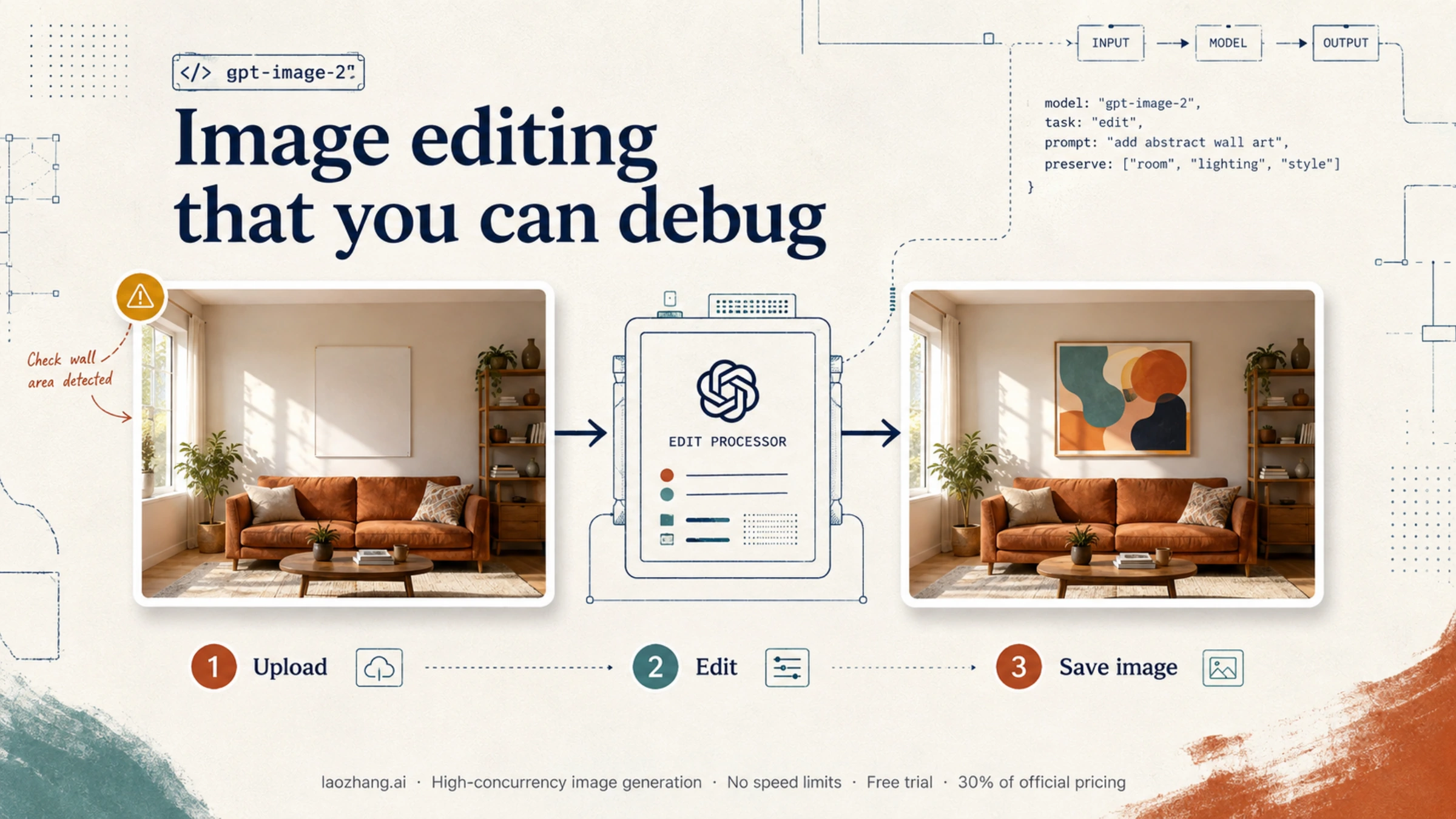
Use a PNG named room.png and a focused instruction: replace the wall poster while preserving the room. With GPT Image 2, omit input_fidelity; high-fidelity input processing is automatic. Also omit response_format. Read the returned b64_json and use output_format to choose the image encoding. OpenAI’s image generation guide.
Python
Install the official SDK with python -m pip install --upgrade openai, and set OPENAI_API_KEY in your environment. This example closes the source file after the request and checks that an image payload exists before decoding it.
pythonimport base64
from pathlib import Path
from openai import OpenAI

client = OpenAI()

with Path("room.png").open("rb") as source:
    result = client.images.edit(
        model="gpt-image-2",
        image=source,
        prompt=(
            "A photorealistic living room with a framed abstract print "
            "replacing the existing wall poster. Preserve the furniture, "
            "room layout, lighting, shadows, and camera angle."
        ),
        output_format="png",
    )

if not result.data or not result.data[0].b64_json:
    raise RuntimeError("The edit response contained no image payload")

image_bytes = base64.b64decode(result.data[0].b64_json, validate=True)
Path("room-edited.png").write_bytes(image_bytes)
Node.js
Install openai with npm and save this as an .mjs file. A file stream lets the SDK handle the upload.
jsimport fs from "node:fs";
import OpenAI from "openai";

const client = new OpenAI();

const result = await client.images.edit({
  model: "gpt-image-2",
  image: fs.createReadStream("room.png"),
  prompt:
    "A photorealistic living room with a framed abstract print replacing " +
    "the existing wall poster. Preserve the furniture, room layout, " +
    "lighting, shadows, and camera angle.",
  output_format: "png",
});

const encoded = result.data?.[0]?.b64_json;
if (!encoded) throw new Error("The edit response contained no image payload");

fs.writeFileSync("room-edited.png", Buffer.from(encoded, "base64"));
Open the saved file. A successful HTTP response, a nonempty image payload, and an edit that preserves the required scene are three separate checks. If you choose output_format="webp" or "jpeg", change the saved extension accordingly. Renaming base64 text to .png does not produce an image; decoding it produces the file bytes.
A raw file-upload comparison with cURL
When an SDK or application wrapper fails, compare it with this small request to the same intended provider. The URL below is OpenAI’s direct endpoint and requires an OpenAI key. If you use another provider, use that provider’s documented URL and its own credential; do not move credentials between hosts.
bashcurl --fail-with-body https://api.openai.com/v1/images/edits \
  -H "Authorization: Bearer $OPENAI_API_KEY" \
  -F 'model=gpt-image-2' \
  -F 'image[]=@room.png;type=image/png' \
  -F 'prompt=Replace the wall poster with a framed abstract print. Preserve the room, furniture, lighting, and camera angle.' \
  -F 'output_format=png' \
  -o edit-response.json
This file-upload example uses multipart form data. Let cURL supply its boundary; do not manually set Content-Type: application/json. That advice describes this example, not every supported image-input mechanism. Inspect any HTTP error before decoding the response file. On success, the image is in data[0].b64_json; edit-response.json itself is not the finished PNG.
The current edit reference also documents a JSON body with an images array. Its entries can supply an image_url containing a fully qualified URL or base64 data URL, or a file_id referencing an uploaded file. A local pathname such as "room.png" in JSON uploads no bytes. Keep this JSON form distinct from the multipart image upload used above, and check whether your installed SDK supports the documented form before substituting parameter names.
What “Value must be 'dall-e-2'” actually establishes
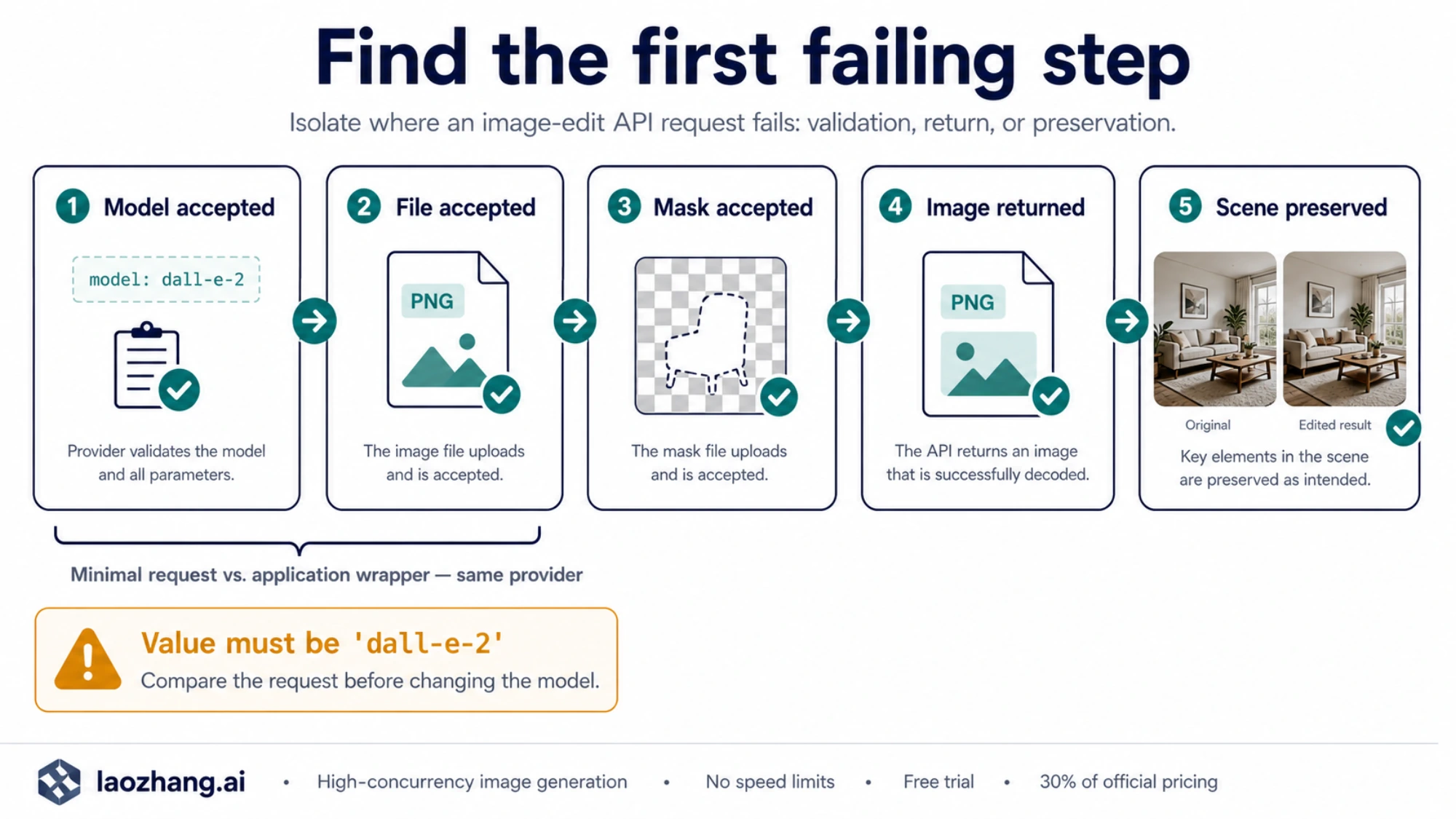
The exact error has appeared in more than one situation. In openai-node issue #1844, an April 27 report included GPT Image 2, Node SDK 6.34.0, and a raw cURL reproduction without response_format. An August reply said image-edit validation had been fixed upstream and the issue was closed. That is a historical report and attributed resolution, not evidence of an ongoing global outage or a particular minimum SDK version that fixes every request.
A separate March community discussion described two different successful changes: removing response_format, including response_format="b64_json", and giving an in-memory upload a filename. Those reports involved earlier GPT Image integrations. They are useful things to inspect, but neither establishes a universal GPT Image 2 fix.
Use a controlled comparison to find out which problem you have:
| What you observe | What to check next | What the observation does not prove |
|---|---|---|
| The outgoing request still uses variations | Switch the endpoint and helper to edits, and supply a meaningful prompt | That changing only the model or adding a mask migrates the operation |
| Your wrapper fails; the minimal request to the same provider succeeds | Compare the final endpoint, model, added parameters, and uploaded file parts | That GPT Image 2 lacks edit support |
| Both requests fail with model validation | Record the provider, timestamp, request ID, and exact error; check that provider’s supported request format | That switching to a removed DALL·E model will work |
| A disk upload succeeds; an in-memory upload fails | Give the memory upload an explicit filename and MIME type; compare the actual file bytes | That all bytes or in-memory uploads are unsupported |
| The unmasked request succeeds; adding a mask fails | Check mask format, size, alpha channel, and dimensions | That the model name is wrong |
| An image returns, but other objects change | Adjust the edit instruction and evaluate preservation; consider compositing for exact pixel requirements | That the upload or model validation failed |
First strip the failing request down to model, image, prompt, and an optional output_format. Remove inherited response_format and, for GPT Image 2, input_fidelity. Check for fields added by a wrapper even when your own function call looks minimal. Once the baseline works, add one feature back at a time.
If the failure remains, retain a redacted reproduction with the request time and timezone, endpoint host and path, SDK package version, HTTP status, error message, param and code, and request ID when available. Include file names, media types, dimensions, and byte sizes. Exclude authorization headers, keys, and private image contents. This gives support a reproducible case without guessing from the model enum alone.
In-memory uploads can work—make their metadata explicit
Current official SDKs support more than files on disk. Python accepts bytes, path-like objects, and (filename, contents, media type) tuples. Node supports file streams and the toFile helper, among other upload inputs. The filename workaround is a way to remove ambiguity while debugging, not a rule that memory uploads are invalid. Python upload documentation, Node upload documentation.
For example, replace the Python image argument with a named tuple when your application already has PNG bytes:
python# png_bytes contains the actual PNG bytes, not a base64 string.
image_upload = ("room.png", png_bytes, "image/png")

result = client.images.edit(
    model="gpt-image-2",
    image=image_upload,
    prompt="Replace the wall poster; preserve the room and its lighting.",
    output_format="png",
)
In Node, give a buffer a file identity with toFile:
jsimport { toFile } from "openai";

// pngBuffer contains the actual PNG bytes.
const upload = await toFile(pngBuffer, "room.png", { type: "image/png" });
const result = await client.images.edit({
  model: "gpt-image-2",
  image: upload,
  prompt: "Replace the wall poster; preserve the room and its lighting.",
  output_format: "png",
});
Continue with the same payload check and decoding step as the complete examples. Do not label JPEG bytes as PNG merely by changing the filename or MIME type.
Add a mask after the basic edit works
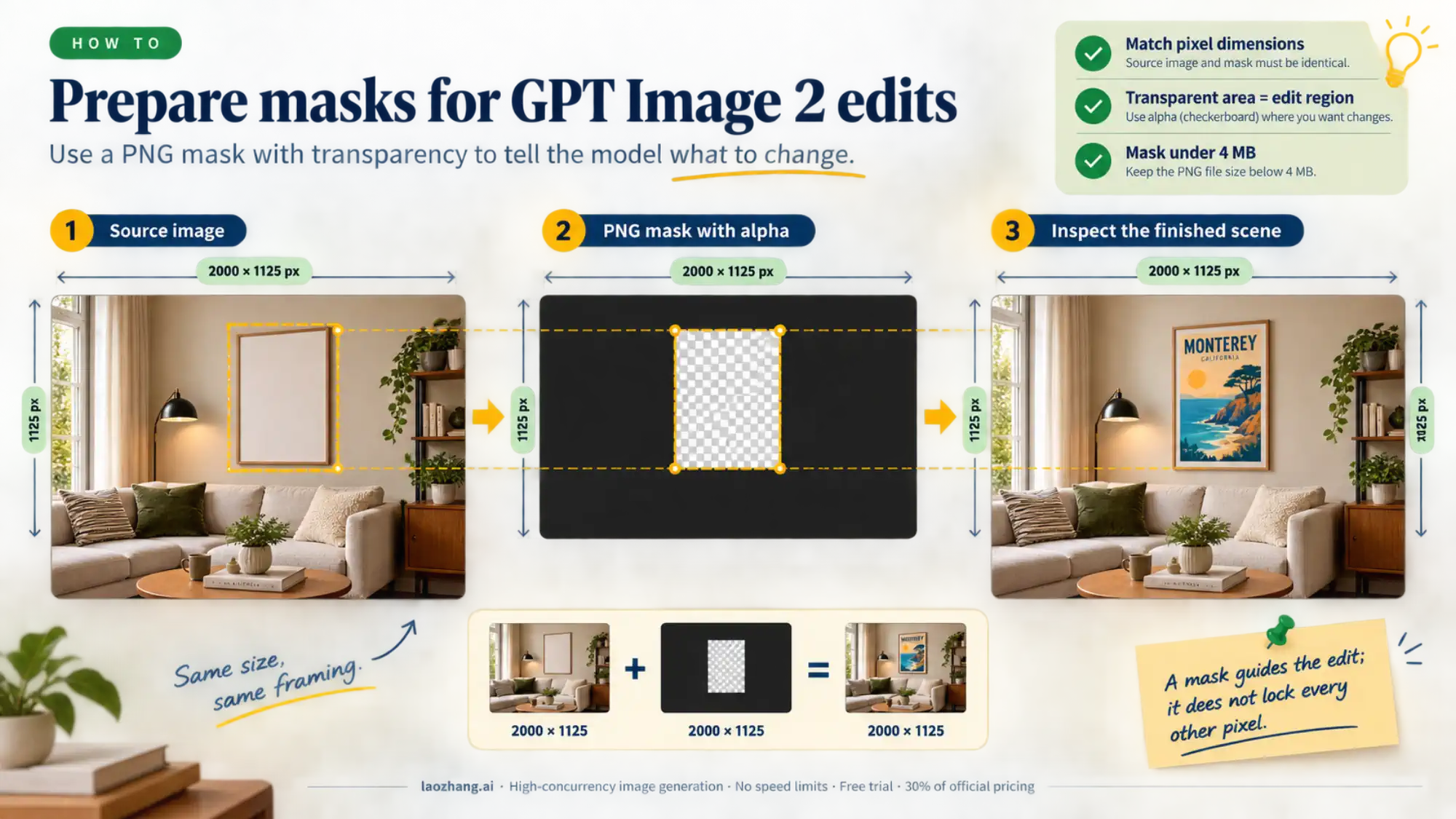
For a conservative mask setup, use a PNG source image and a PNG mask with exactly matching pixel dimensions. The mask needs an alpha channel; fully transparent areas identify the region to edit. Keep the mask under 4 MB. The API reference gives this stricter mask limit even though the general guide describes a broader 50 MB limit in its mask discussion. Do not treat the larger input-image allowance as permission to send a 40 MB mask. Images edit parameter reference.
pythonwith open("room.png", "rb") as source, open("mask.png", "rb") as mask:
    result = client.images.edit(
        model="gpt-image-2",
        image=source,
        mask=mask,
        prompt=(
            "A photorealistic living room with a framed abstract print "
            "on the wall in the masked area. Preserve the furniture, "
            "lighting, room layout, and camera angle."
        ),
        output_format="png",
    )
Decode and save the result as above. When supplying multiple input images, the mask applies to the first image. Keep that ordering explicit in your application.
A valid mask guides the edit; it does not guarantee exact boundaries or unchanged pixels elsewhere. OpenAI’s guide makes that limitation explicit. Separately, GPT Image 2’s automatic high-fidelity processing does not create a pixel-lock switch. Mask behavior.
For the poster example, inspect whether the furniture, camera angle, and lighting stayed suitable for your use. If the room must remain byte-for-byte identical outside the poster, retain the original and use a controlled compositing step for the approved edit region. That requirement belongs in your image-processing workflow, rather than depending entirely on a generative prompt.
Preserve the scene by specifying the finished image
A useful edit instruction states the final scene, the intended change, and the details to retain. “Make this better” leaves all three open. For a room image, specify the replacement poster and preserve the furniture, shadows, framing, and lighting. For product photography, name the product features that matter: label text, silhouette, material, and camera angle.
For multiple references, identify each input’s role. For example: “Use image 1 as the base scene. Place the logo from image 2 on the tote bag. Match the fabric texture and lighting, and preserve the person’s pose and the background.” Clear source attribution helps distinguish the item to transfer from the scene to preserve.
Make one meaningful change at a time when preservation matters. Keep the original and each accepted result so you can compare them or return to an earlier version. A follow-up such as “Reduce glare on the new poster, preserving its design and the room” is easier to evaluate than simultaneously changing the poster, furniture, background, and lighting.
For that follow-up, upload the saved room-edited.png as the next source and save the new result under a different filename. Direct Images API calls do not inherit earlier edits merely because you reuse the client: uploading the original again starts from the original. Keep the accepted revision as the explicit input to each next step. If a request already succeeded but your program failed to save it, fix decoding and file handling rather than generating another image unnecessarily.
When to use Responses instead
Stay with images.edit() when your application already has the source images and knows the edit to perform. It gives you a direct request and a file to save, including for masked edits.
Use the Responses API when editing belongs inside a conversation or a workflow that also reasons and calls other tools. Its image-generation tool supports conversational editing and file-based inputs. In that arrangement, the top-level model is a supported mainline model, and image work is performed through the image_generation tool; do not set top-level model="gpt-image-2" on a Responses request. OpenAI’s API comparison and examples.
The historical DALL·E validation message alone is not a reason to rebuild a direct edit integration around Responses. Resolve the smallest failing request first. For the broader model and endpoint choices, see the GPT Image 2 API guide.