Update (October 8, 2026): OpenAI shuts down the
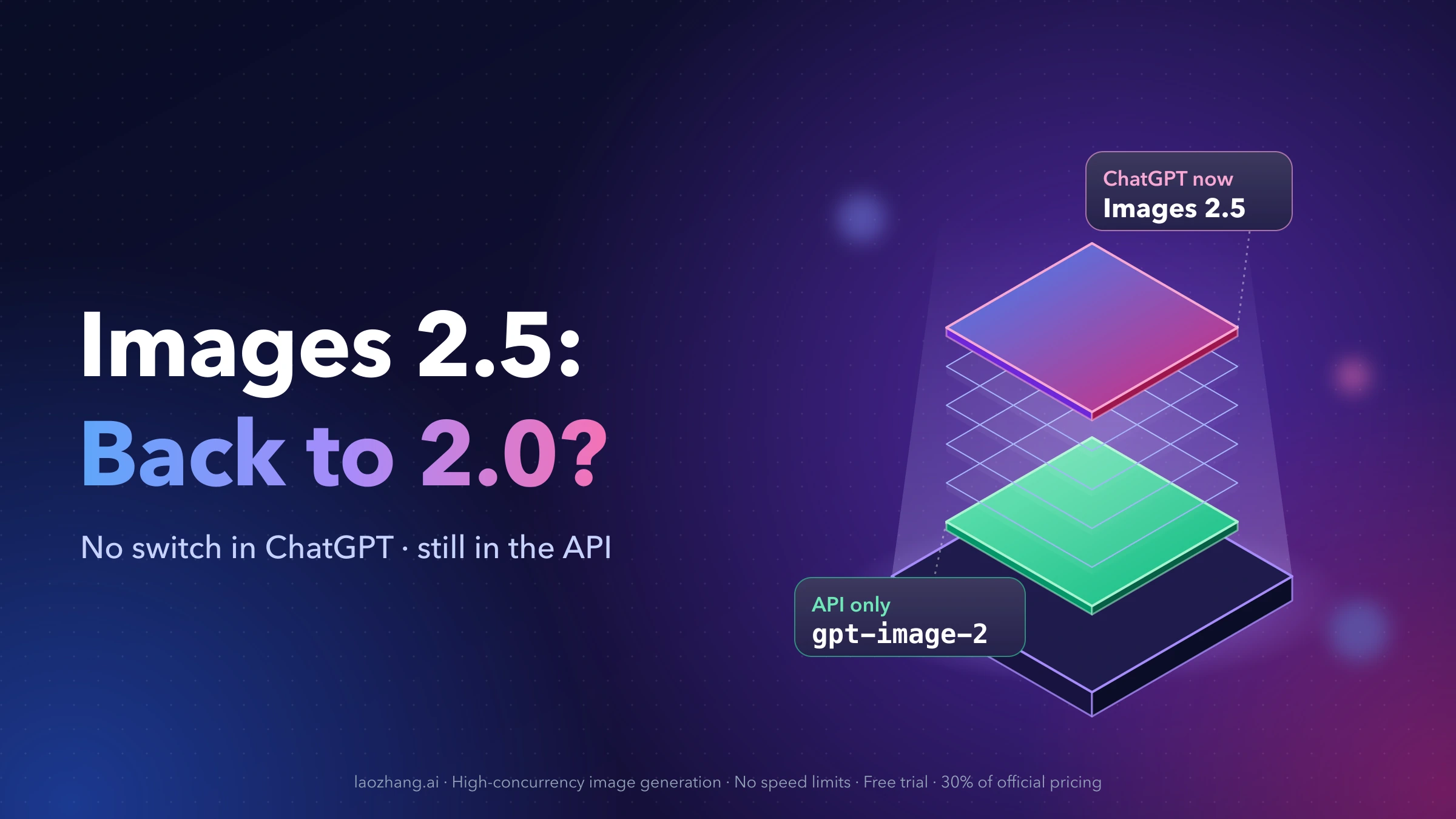
gpt-image-1API model on October 23, 2026 and namesgpt-image-2.5-sunburstorgpt-image-2.5-flareas its replacements;gpt-image-1-miniandgpt-image-1.5follow on December 1, 2026 (OpenAI deprecations). ComfyUI's GPT Image partner node already lists both GPT Image 2.5 models, billed from token usage in Comfy credits (ComfyUI partner node pricing), so switch the model in existing workflows before the shutdown date. For how Flare and Sunburst differ and how to call them directly, see GPT Image 2.5: Flare vs. Sunburst, Pricing, and API Examples.
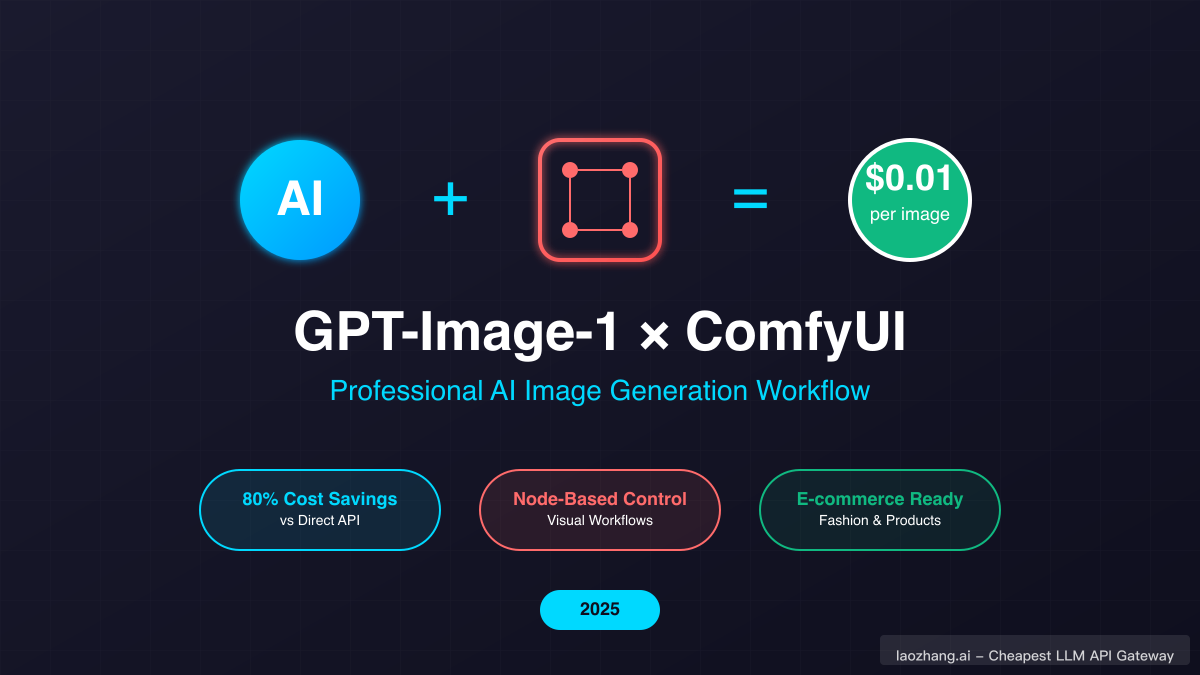
OpenAI's GPT Image models and ComfyUI make a practical pairing: the API model handles prompt understanding, text in images and edits, and ComfyUI's node graph handles everything around it, from upscaling to batch runs. GPT Image 1 (gpt-image-1), the model this guide was first written for, arrived in OpenAI's API in 2025 as the model behind ChatGPT's image generation at the time. As of October 8, 2026, it is close to retirement, and the same ComfyUI workflows now run on GPT Image 2.5.
What it costs depends on the model, quality and size. OpenAI's image generation guide estimates the output cost of one 1024x1024 GPT Image 2.5 image at about $0.006 at low quality, $0.013 at medium, $0.053 at high, $0.094 at xhigh and $0.21 at max, before input tokens (OpenAI image generation guide). This guide covers what the models do well, how the ComfyUI node works, and how to build workflows that survive the next model change.
Understanding GPT-Image-1: OpenAI's Multimodal Revolution
GPT-Image-1 represented a fundamental shift in how AI approaches image generation. Unlike traditional text-to-image models that simply interpret prompts, GPT Image models are natively multimodal: they understand context, follow complex instructions, and maintain consistency across edits. That lets them handle prompts with many distinct objects while keeping the relationships between elements accurate.
The models' training on both text and visual data shows most clearly in text rendering within images. Where DALL-E 3 and other older models often struggled with readable text, GPT Image models produce clear, properly formatted text elements far more reliably. This capability is valuable for marketing materials, infographics, and branded content that previously required manual design work.
Instruction following is the other strength. A prompt like "maintain brand consistency while adapting the style to appeal to Gen Z audiences" works better with GPT Image models than with keyword-driven models, because they read the whole instruction rather than a list of tags.
GPT Image 2.5 builds on this with two API models. OpenAI positions gpt-image-2.5-flare as the fast option for everyday generation and gpt-image-2.5-sunburst as the more precise option for demanding edits. Both add xhigh and max quality settings on top of low, medium and high, and both support custom sizes up to 3840 pixels on the long edge.
ComfyUI Integration: Unlocking Professional Workflows
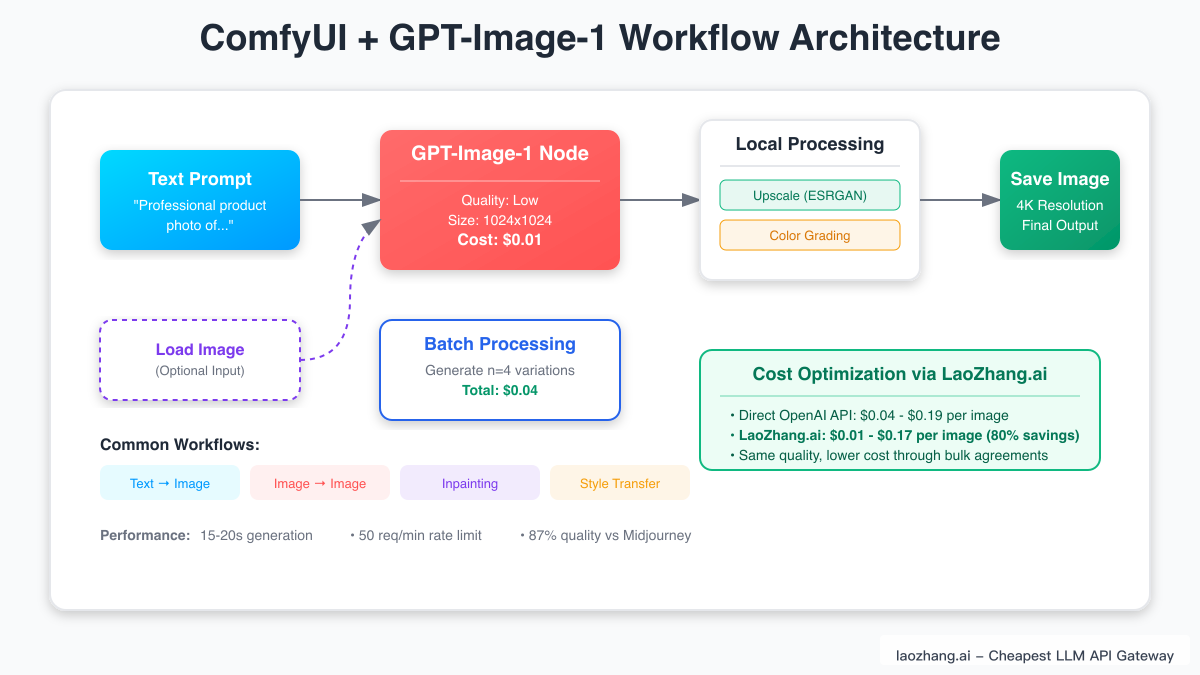
ComfyUI's Partner Nodes let you add OpenAI's GPT Image models to a workflow as regular nodes, combining OpenAI's generation with ComfyUI's workflow control. You don't manage an OpenAI API key or write custom code for this route.
Setting up the integration requires minimal technical expertise. Update ComfyUI to the latest version (ComfyUI's docs recommend the nightly build, since releases can lag behind), then log in to your Comfy account through the User section of the Settings menu. Partner Nodes run on prepaid Comfy credits, so ComfyUI says there are no unexpected charges, but they also have no free usage (ComfyUI Partner Nodes). The GPT Image node bills from the API's actual token usage after each generation. On ComfyUI's pricing page, gpt-image-2.5-flare and gpt-image-2.5-sunburst share the same credit rates, while gpt-image-1 sits on its own row until OpenAI retires it.
To move an existing GPT Image 1 workflow, open the GPT Image node, change the model from gpt-image-1 to gpt-image-2.5-flare (or gpt-image-2.5-sunburst for edits where preserving a product or person matters most), run a few representative prompts, and compare the outputs and credit charges before you switch a production batch. ComfyUI also marks its older OpenAI GPT Image 2 node as deprecated and has removed its DALL·E 2 and DALL·E 3 nodes, so replace those nodes too.
The true power emerges when combining GPT Image models with ComfyUI's wider node ecosystem. A typical advanced workflow might use a GPT Image model for the initial generation, pass the output through local upscaling models, apply ControlNet for pose consistency, and finish with color grading nodes, all automated within a single workflow. This hybrid approach uses the cloud model for complex generation and local resources for refinement, optimizing both quality and cost.
Accessing GPT Image Models Outside ComfyUI Credits
The ComfyUI partner node bills through Comfy credits. If you would rather pay OpenAI directly or use an API gateway, call the model from your own script or a community custom node that accepts an API key and base URL, then bring the image back into your workflow.
OpenAI's direct prices for GPT Image 2.5 are $5 per million text input tokens, $8 per million image input tokens and $30 per million image output tokens, the same token rates as gpt-image-2. gpt-image-1 costs $5, $10 and $40 for the same token types until its shutdown (OpenAI pricing). Equal token rates don't mean equal cost per image, because each model and quality setting uses a different number of tokens.
API gateways such as LaoZhang.ai offer OpenAI image models through an OpenAI-compatible endpoint. As of October 2026, LaoZhang.ai lists gpt-image-2 at $0.03 per call. Implementation is straightforward: point your client at the gateway's base URL and keep the same request format, then compare the per-image cost and output with OpenAI's own API on your real prompts.
E-commerce and Fashion Workflows
GPT Image models paired with ComfyUI are a natural fit for e-commerce visual content. A common pattern generates lifestyle shots, model photography and seasonal variations from simple product images, while keeping brand styling consistent across a catalog.
The workflow begins with a product photograph uploaded to ComfyUI. A GPT Image node takes the item and generates multiple lifestyle contexts: a dress might appear in office, casual, and evening settings. Masking keeps the original product details intact while backgrounds and styling adapt. GPT Image 2.5 Sunburst is the model OpenAI positions for this kind of precise edit, and Flare suits the high-volume variations. Before you scale, estimate cost from OpenAI's per-image figures above: at medium quality, 1,000 square images cost roughly $13 in output tokens, plus input tokens for the product photo and prompt.
Virtual try-on is another application. Fashion brands can use GPT Image models to show products on diverse model types and body shapes. Check every output for garment accuracy, since any generated image can change details such as seams, logos or fabric patterns, and label AI-generated imagery where your marketplace or local rules require it. The workflow can be adjusted for different clothing categories without requiring technical expertise.
Advanced Techniques: Maximizing Quality While Minimizing Costs
Achieving professional results at minimal cost requires strategic workflow optimization. The key lies in understanding when to use GPT Image's advanced capabilities versus leveraging local models. For initial concept generation and complex scene composition, GPT Image excels. However, upscaling, style transfer, and minor adjustments often work better with specialized local models, creating a hybrid workflow that optimizes both quality and expense.
Prompt engineering for GPT Image models differs significantly from traditional models. Instead of keyword stuffing, focus on clear, conversational instructions. "Create a minimalist product photo of a blue ceramic vase on a white surface with soft natural lighting from the left" yields better results than "product photo, blue vase, white background, soft light, minimalist, professional." The models' understanding of photographic terminology, artistic styles, and cultural references enables nuanced control through natural language.
Quality settings are the biggest cost lever. OpenAI suggests low quality for quick drafts; in its estimate for a 1024x1024 GPT Image 2.5 image, max uses about 36 times the output tokens of low. Draft at low or medium, then rerun only the selected compositions at high or above. ComfyUI's batch nodes let you queue hundreds of drafts overnight, and the n parameter generates several variations in one API call. Smart caching prevents regenerating unchanged elements, while automatic quality checks route only subpar outputs for regeneration.
Performance Comparison: GPT-Image-1 vs. The Competition
Understanding where GPT Image models sit in the wider landscape helps optimize workflow decisions. Midjourney remains popular for artistic styling, while GPT Image models are strongest at instruction following and text rendering, which makes them valuable for commercial applications such as product shots, ads and infographics.
Stable Diffusion's open-source nature offers unlimited local generation but requires significant hardware investment and technical expertise. GPT Image models bridge this gap, providing professional quality without infrastructure requirements. For projects requiring specific style consistency, combining GPT Image generation with Stable Diffusion's fine-tuning capabilities through ComfyUI creates a strong workflow.
DALL-E 3 is no longer an option: OpenAI shut down dall-e-2 and dall-e-3 in the API on May 12, 2026, and ComfyUI removed its DALL·E nodes. Within OpenAI's lineup, the choice is now between GPT Image 2.5 Flare for fast everyday work, Sunburst for precise edits, and gpt-image-2 while it remains available. Use GPT Image for complex initial generation and local models for post-processing.
Building Production-Ready Workflows
Creating scalable, production-ready workflows requires careful architecture planning. Successful implementations separate concerns: generation, processing, and delivery. ComfyUI's modular approach excels here, allowing teams to update individual nodes without disrupting entire workflows. Version control for workflow JSON files ensures reproducibility and enables collaborative development.
Error handling becomes crucial at scale. Robust workflows implement automatic retries for failed generations, fallback options for unavailable services, and comprehensive logging for debugging. ComfyUI's conditional execution nodes enable smart routing: if one GPT Image model fails, the workflow can switch to another model or to local generation, ensuring uninterrupted service. Rate limiting mechanisms prevent API overuse, while queue management systems prioritize urgent requests.
Model retirements belong in the same plan. Keep the model name in one place in each workflow, watch OpenAI's deprecations page, and test the replacement model before the shutdown date rather than after workflows start failing.
Security considerations often overlooked include API key rotation, secure credential storage, and content filtering. Production workflows must validate inputs to prevent prompt injection attacks and filter outputs for inappropriate content. ComfyUI's Python script nodes enable custom validation logic, while dedicated filtering nodes ensure brand safety. Regular audits of generated content and API usage patterns help identify potential issues before they impact operations.
Future-Proofing Your AI Image Pipeline
The rapid evolution of AI image generation demands flexible, adaptable workflows. ComfyUI's node-based architecture provides inherent future-proofing: new models integrate as additional nodes or model options without restructuring existing workflows. OpenAI has already moved from GPT Image 1 to GPT Image 2 and then GPT Image 2.5, and switching required only a change of model in the node rather than a rewritten workflow.
Emerging trends point toward increased multimodal integration. GPT Image models' ability to understand and modify existing images suits the shift from pure generation to intelligent editing, and both GPT Image 2.5 models create and edit images. ComfyUI workflows built around image-to-image transformations, style preservation, and selective editing are ready for this evolution.
Accessible pricing and intuitive interfaces like ComfyUI open real opportunities. Small businesses can produce visual content that once required a studio, individual creators can realize complex visions without technical barriers, and teams can rethink how they produce visual communication.
Conclusion: Your Gateway to Professional AI Image Generation
The combination of OpenAI's GPT Image models and ComfyUI remains a strong setup for AI image generation. With GPT Image 1 retiring on October 23, 2026, the practical next step is to move your workflows to GPT Image 2.5 Flare or Sunburst, compare outputs and credit charges on your own prompts, and keep the rest of the workflow unchanged.
Starting is simple. Update ComfyUI, log in to a Comfy account with credits, add the GPT Image node, and begin with simple text-to-image workflows. As comfort grows, expand into complex multi-node systems that combine cloud and local processing. The ComfyUI community offers many workflow examples, tutorials, and support for newcomers.
The future of AI image generation isn't about choosing between quality and affordability. It's about combining the right tools for each task: GPT Image's instruction following and editing, ComfyUI's workflow flexibility, and a quality setting matched to each stage of the job.