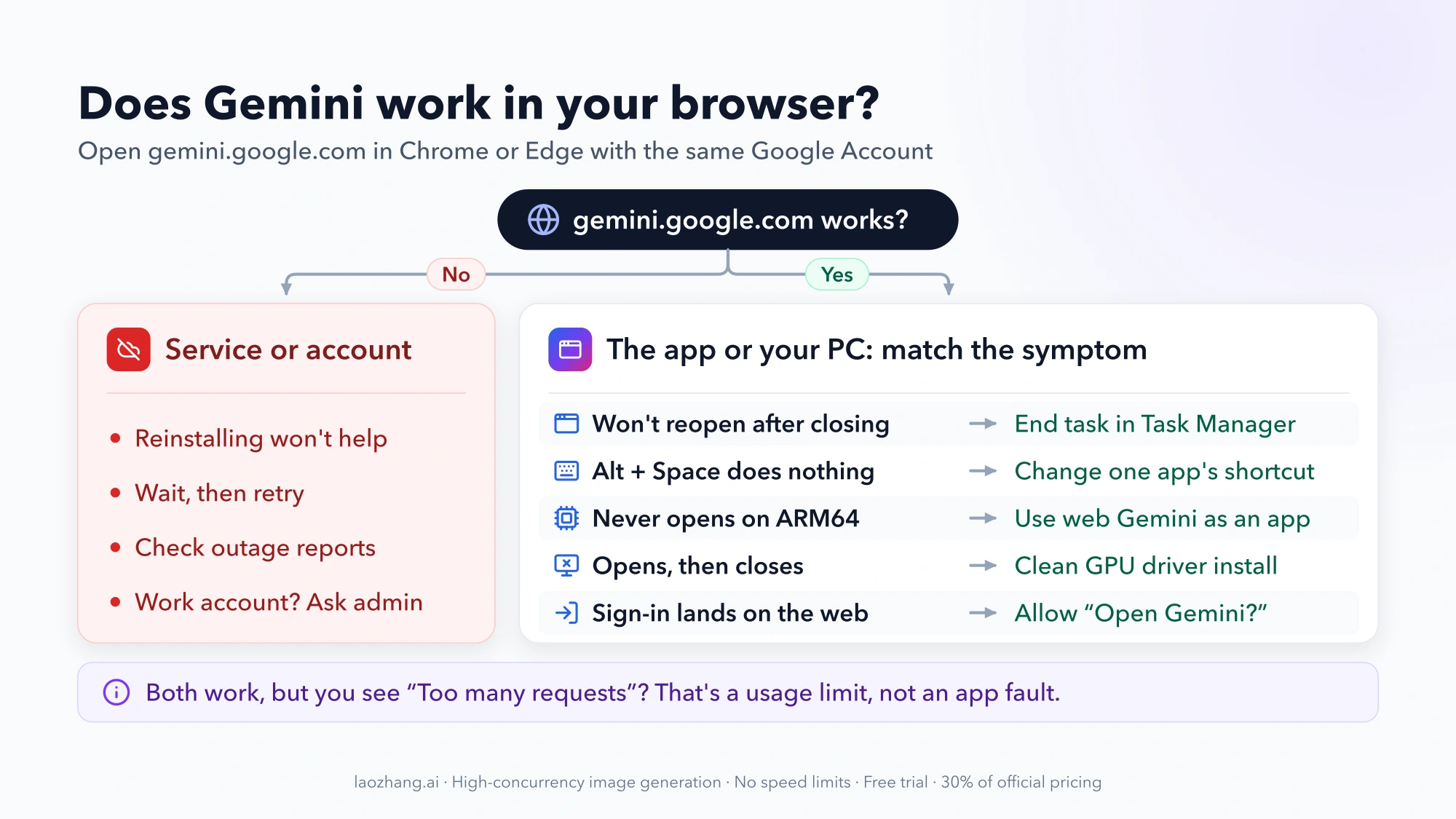
One test tells you where a Gemini for Windows problem lives: open gemini.google.com in Chrome or Edge with the same Google Account. If Gemini fails there too, the problem is Google's service or your account, and nothing on your PC will fix it. If the browser works and only the desktop app fails, the cause is on your PC or in the app itself, and the symptom usually points straight to it:
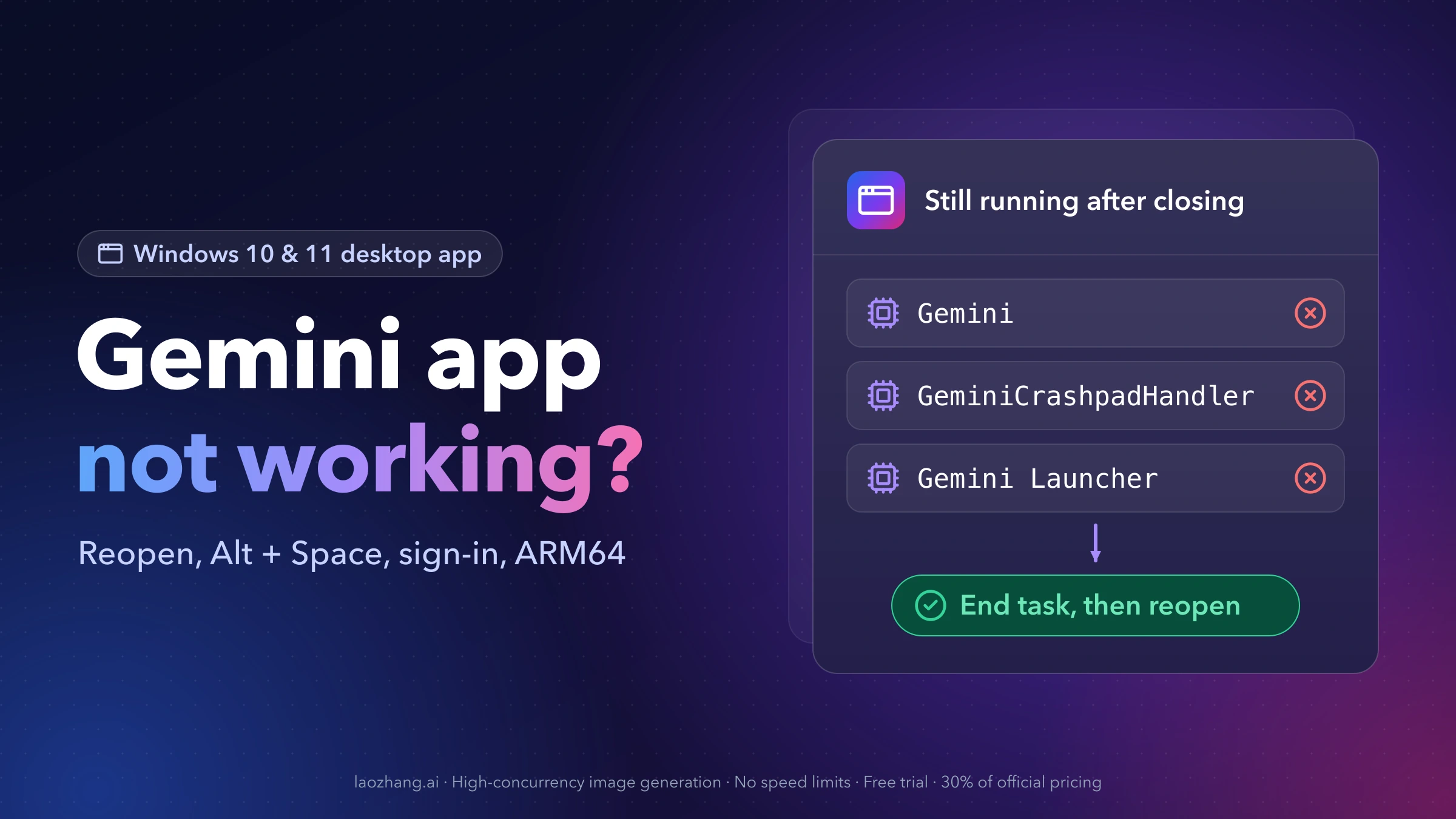
- The app won't open again after you closed it with the X. Its background processes are still running. Open Task Manager (Ctrl+Shift+Esc), end Gemini, GeminiCrashpadHandler and Gemini Launcher, then open the app again. Users have reported this repeatedly since the September 10, 2026 launch, and reinstalling did not cure it for them.
- Alt + Space does nothing, or opens a different tool. Another program, or Windows itself, owns the shortcut. Change Gemini's shortcut or the other app's.
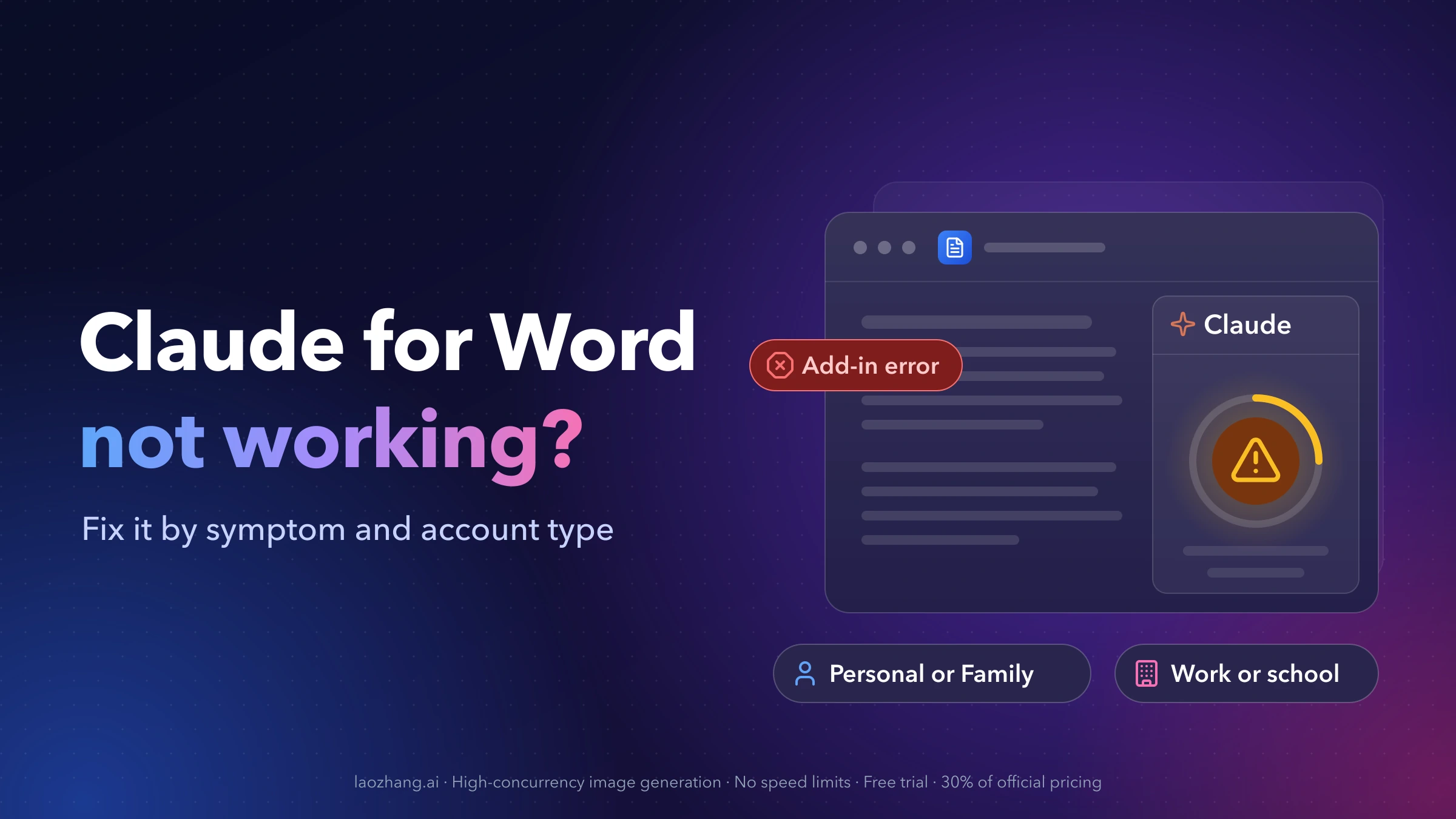
- Sign-in finishes in the browser but never returns to the app. Reports so far involve work and school accounts. Your administrator has to allow Gemini, and the browser has to be allowed to hand you back to the app.
Everything below covers the rest: ARM64 PCs, crashes on launch, features that are missing on Windows, and what to use while you wait for a fix. None of it requires registry edits, launch flags or third-party Gemini clients.
Gemini Windows app symptoms, causes and first fixes
Find the line that matches what you see. "Stop" means the fix is outside your control: an app bug, an admin setting or a Google outage.
| What you see | Most likely cause | Try first | Stop when |
|---|---|---|---|
| Clicking the icon does nothing after you closed Gemini | Gemini processes left running in the background | End the three Gemini processes in Task Manager | You need this after every close: no fix announced as of October 10, 2026 |
| Alt + Space shows a small Restore / Move / Size menu | Gemini isn't running, so Windows' own shortcut answers | Start Gemini from the Start menu and check the system tray | — |
| Alt + Space opens PowerToys Run, ChatGPT or another tool | That app registered the shortcut first | Give Gemini or the other app a different shortcut | — |
| App never opens on a Windows on Arm (ARM64) PC | Launch failure reported in version 1.10.4 on ARM64 | Install Gemini web as an app and wait for an update | Until Google ships a fixed version |
| App opens, then closes; log says "GPU process isn't usable" | Graphics driver problem inside the app's own browser engine | Clean install of the GPU driver from the chip vendor | A clean driver install doesn't help |
| Sign-in completes in the browser and lands on Gemini web | Work or school sign-in not handed back to the app, or Gemini not enabled | Allow the "Open Gemini?" prompt, use Chrome or Edge as default browser | Your admin says Gemini is off for your account |
| No screen sharing, dictation or local folders | Those features are macOS-only for now | Nothing to fix | — |
| "Something went wrong," and the browser fails too | Service or account problem | Wait, then retry | Outage reports are still active |
First check: does Gemini work in your browser?
Sign in at gemini.google.com with the same account you use in the app and send a short prompt.
- The browser fails too. The Windows app is not the cause. On October 9 and 10, 2026, for example, r/GeminiAI filled with "Gemini down, or just me?" reports from people using the web version on Windows 11, with more than 110 comments in one thread. Reinstalling the app during an outage only costs you time. Wait and retry.
- The browser works, the app doesn't. Keep reading. The fix is on your PC or in the app.
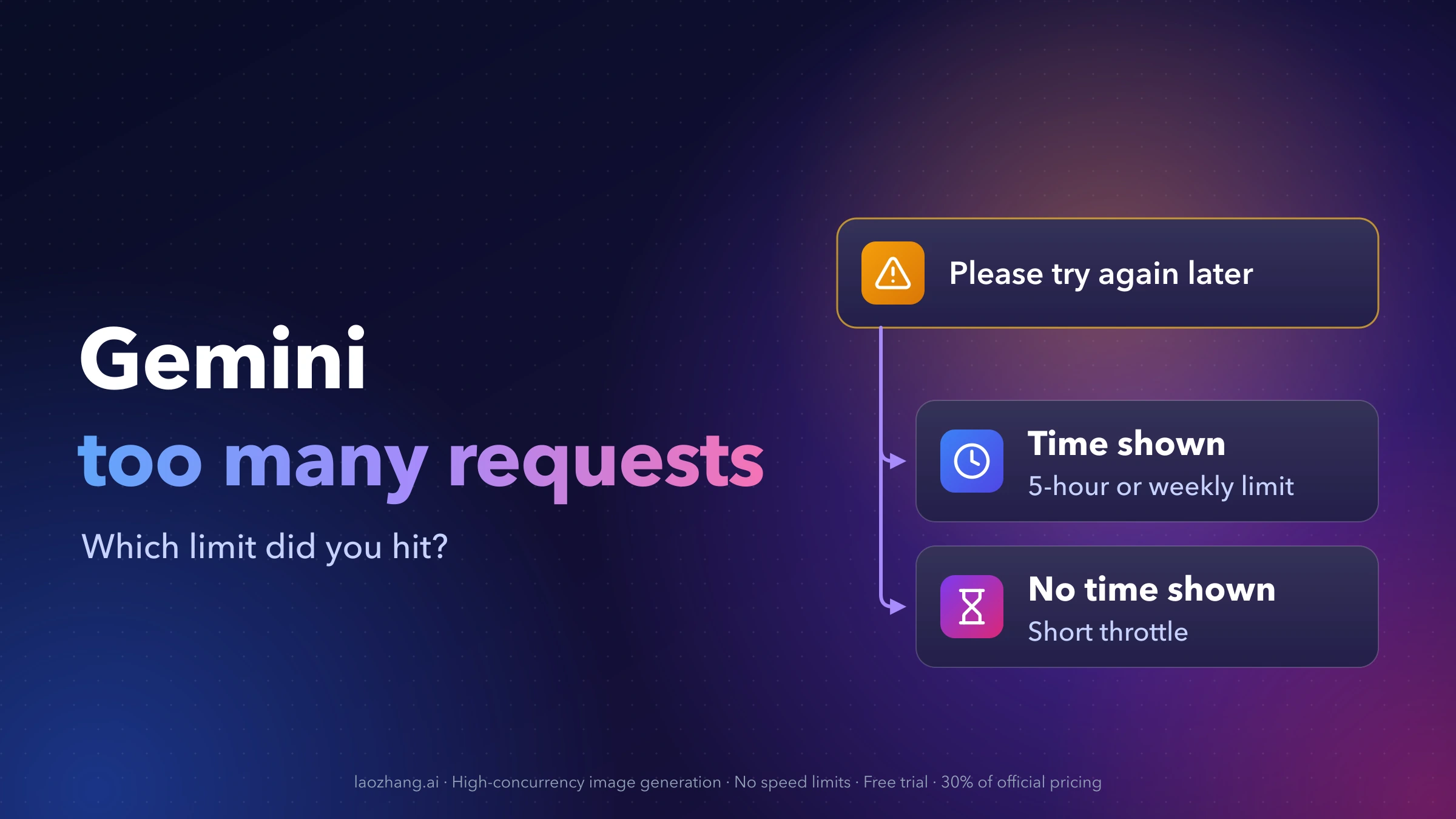
- Both work, but Gemini refuses prompts with "Too many requests in a short time period." That is a usage limit, not an app fault. Gemini “Too Many Requests in a Short Time”: Which Limit You Hit explains how long each limit lasts.
Your chats are tied to your Google Account, not to the Windows app. Google says that chat history and memory sync across desktop, web and mobile when you're signed into the same account, so switching to the browser or reinstalling the app doesn't lose them.
Gemini won't reopen after closing it: end the leftover processes
You close Gemini with the X in the top-right corner, and from then on clicking the desktop or taskbar icon does nothing. A Gemini community thread from September 18, 2026 (Windows 11 25H2, 19 likes) found three processes still running after the window closed, and two r/GeminiAI threads, "Can't open Gemini Windows app after closing it to tray" and "Windows 11 App, won't re-open after closing," describe the same thing.
To get the app back:
- Press Ctrl+Shift+Esc to open Task Manager.
- On the Processes tab (or the Details tab), find Gemini, GeminiCrashpadHandler and Gemini Launcher. The names are the ones users saw on their PCs, so a later version may label them differently.
- Select each one and choose End task.
- Open Gemini again from the Start menu or the desktop icon.
Restarting Windows has the same effect, because it ends every process. The poster in the community thread reinstalled the app several times without curing the problem, so skip reinstalling for this symptom. As of October 10, 2026, Google hasn't posted a fix or acknowledged the bug in that thread, so expect to repeat these steps whenever the app gets stuck. If you open Gemini many times a day, the web version installed as an app (see the last section) doesn't have this problem.
Alt+Space not working: find out which app owns the shortcut
Google sets Alt + Space as Gemini's default shortcut on Windows and says you can customize it in the app's settings. Alt + Space is a busy key combination on Windows, though, and only one program gets it. What happens when you press it tells you who has it:
| When you press Alt + Space | Who has the shortcut | What to do |
|---|---|---|
| A small menu with Restore, Move, Size, Minimize, Maximize and Close appears | Windows. It opens the window menu of the active app when no other program has claimed the combination | Make sure Gemini is running: look for its icon in the system tray, including under the ^ hidden icons arrow |
| A search bar opens | Most likely PowerToys Run, which uses Alt + Space by default | Change PowerToys Run's Activation shortcut in PowerToys settings, or change Gemini's |
| A small ChatGPT window opens | The ChatGPT app's companion window, which also uses Alt + Space | Change it in ChatGPT under Settings > App > Companion window hotkey, or change Gemini's |
| Nothing happens at all | Gemini isn't running, or another background tool took the shortcut | Start Gemini, then check which other tools you run at startup |
OpenAI's own help page explains the rule that applies here: its shortcut "will not work if it is already registered with another Windows application." Google doesn't document how Gemini behaves when it loses that race, but the pattern is the same: whichever app claims the combination first wins it.
To change Gemini's shortcut, users report this path in the version that launched in September: right-click the Gemini icon in the system tray (it may be hidden under the ^ arrow), choose Settings, open General, find Keyboard shortcut to open Gemini, set a new combination and click Done. Labels can differ between versions and display languages. Google doesn't say whether the shortcut can be turned off completely rather than changed, so if you never want it, the safe option is to assign a combination you never press.
Google's older, separate Google app for Windows, a Search Labs app announced in September 2025, also uses Alt + Space. If it's still installed on your PC, it can hold the shortcut too.
Gemini won't open on an ARM64 PC (Windows on Arm)
Google lists the Windows app as running on Windows 10 or later, x64 and ARM64. In practice, a community thread from September 12, 2026 reports that version 1.10.4 would not open at all on an ARM64 PC, while the same account worked on Intel machines. Compatibility mode, running as administrator and several reinstalls didn't help, and eight other users marked the same question. A volunteer Platinum Product Expert, not a Google employee, called it a known bug and suggested the web version until a fix arrives.
To check whether your PC is ARM64, open Settings > System > About and look at System type. "ARM-based processor" means Windows on Arm.
If that's your PC and the app never opens:
- Don't spend time on compatibility settings or repeated reinstalls; they didn't change anything in the reported case.
- Install Gemini web as an app (steps in the last section) and use that for now.
- Download a fresh installer from gemini.google/desktop later. Because the app never starts on these PCs, you won't see its in-app update prompt. As of October 10, 2026, neither the thread nor Google's release notes mention a fix.
Gemini opens, then closes: "GPU process isn't usable"
If the window appears and then disappears, the problem may be your graphics driver. A community report from September 14, 2026 describes version 1.10.4 crashing on a PC with integrated AMD Radeon graphics with this log line:
[FATAL:content\browser\gpu\gpu_data_manager_impl_private.cc:417] GPU process isn't usable. Goodbye.That line comes from Chromium, the engine behind Chrome and Edge, which suggests the Gemini app ships its own copy of it. That would explain why Chrome and Edge worked perfectly on the same PC while Gemini crashed. The reporter also tried launch flags: the window stayed open, but stuck on an "offline" screen, so they're not a fix.
The answer marked as helpful in that thread, from another community member, comes down to three steps:
- Do a clean install of the graphics driver from your chip maker (AMD, Intel or NVIDIA), not just a Windows Update driver.
- Clear the app's cached data. The member pointed to a cache folder under AppData. Google doesn't publish its location, so if you can't identify it with confidence, uninstall and reinstall instead (see below).
- Send feedback from the app and include your driver version, so the crash reaches Google.
This crash comes from a single thread, where two other users marked the same question. If a clean driver install doesn't change anything, use the web version until an update arrives.
Gemini sign-in opens the browser and doesn't return (work or school account)
Personal Google Accounts can use the Windows app directly. Work and school accounts need Gemini access turned on by an administrator. If yours isn't, no fix on your PC will get you past sign-in.
When access is on but your organization uses a separate single sign-on service, sign-in can complete in the browser and then drop you on Gemini web instead of returning you to the app. A community thread from September 12, 2026 describes this with an Okta account. A volunteer Product Expert suggested these steps, in this order:
- Watch the browser for an "Open Gemini?" prompt or a blocked-redirect icon in the address bar, and allow it. Allowing it is what should send you back to the app.
- Temporarily make Chrome or Edge your default browser in Settings > Apps > Default apps, restart Gemini and sign in again.
- Ask your administrator whether Gemini is enabled for your group and whether desktop sign-ins are restricted.
- Send feedback from the Gemini icon in the system tray or the app menu.
If your admin confirms that Gemini is off for your account, that is the answer: the Windows app won't work for that account until the policy changes.
Screen sharing, dictation or local folders missing on Windows
These aren't broken; they aren't on Windows yet. On its desktop page, Google lists sharing your screen, dictating with your voice and connecting local folders to Gemini Spark as features of the macOS app, with "more native capabilities" coming to Windows "over time." Google describes the Windows app as offering everything you already use Gemini for, plus the Alt + Space shortcut.
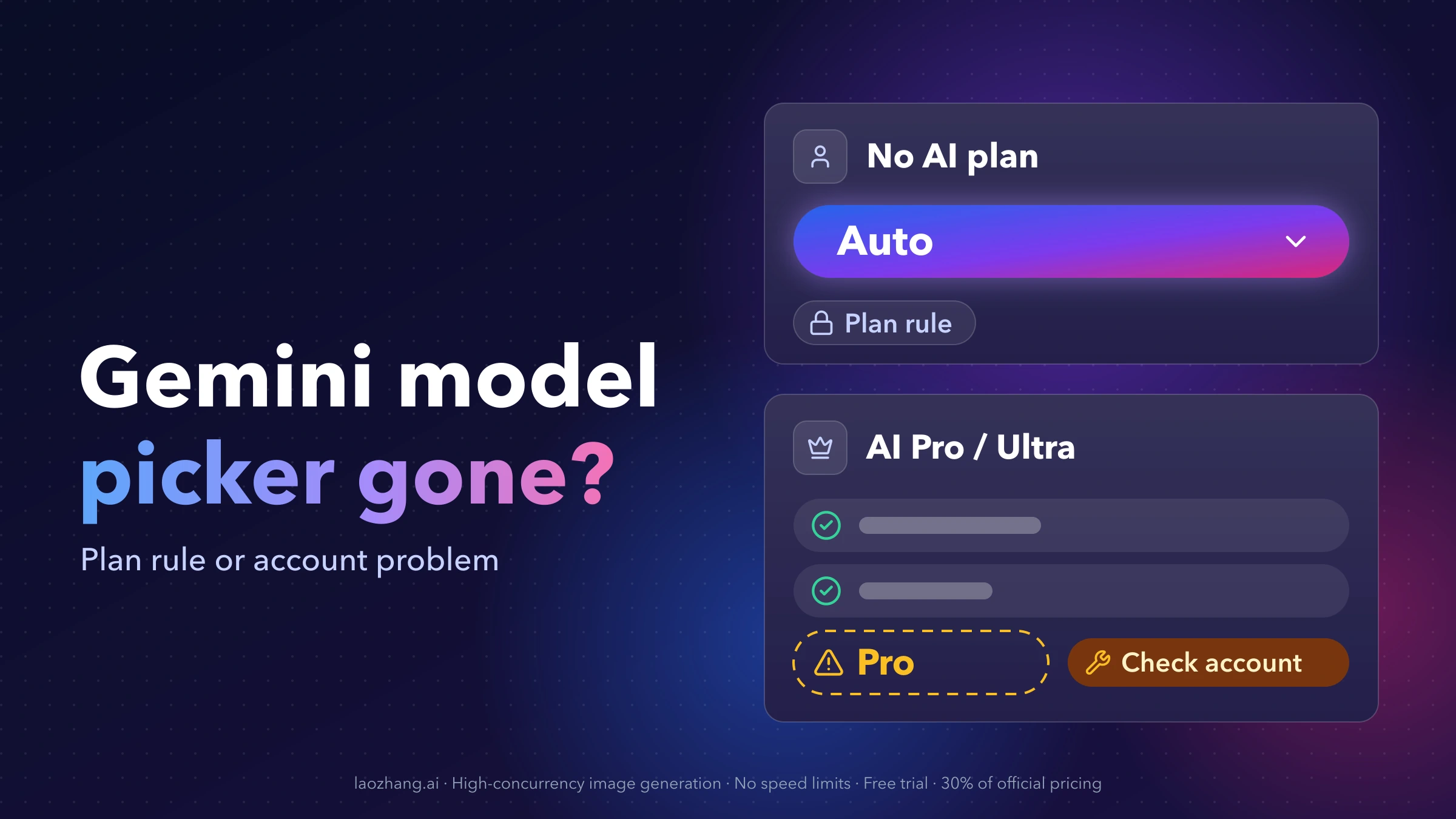
Two other limits apply on any platform. Google notes that selected features require a Google AI subscription and are only for users 18 and older, and the desktop app is available only in the countries and languages where the Gemini app itself is supported. If a feature is missing for one of those reasons, reinstalling won't bring it back. The same goes for a missing model picker or Pro option: that depends on your Gemini plan, not on the Windows app. Gemini Model Selector Gone? Why Pro Is Missing on Each Plan explains what each plan shows.
Gemini Windows app requirements, updates and a clean reinstall
If the installer fails or the app has never worked on your PC, compare it against Google's requirements:
- Windows 10 or later
- 8 GB of RAM or more
- At least 200 MB of free disk space for the installation
- A stable internet connection
- A personal Google Account, or a work or school account with Gemini enabled by the administrator
Download the installer, GeminiSetup.exe, only from gemini.google/desktop. Installers from download mirrors and third-party "Gemini desktop" clients are not Google's app.
When an update is available, Gemini shows a notification in the bottom-right corner when you open it. Click Restart to update. If you've been dismissing it, installing the update is worth trying before anything else.
A clean reinstall is worth it when the installation itself failed, or after you've fixed a driver problem and the app still crashes. In the reports above, it didn't cure the reopen bug or the ARM64 problem. To reinstall:
- End any Gemini processes in Task Manager, as described above.
- Open Settings > Apps > Installed apps, find Gemini, select More (…) and choose Uninstall.
- Download a fresh GeminiSetup.exe from gemini.google/desktop, run it and sign in again.
If you want Gemini to stop launching with Windows, check Settings > Apps > Startup. Google doesn't document whether the app adds itself there, but if it's listed, switching it off is all you need.
Keep using Gemini on Windows while the app is broken
Some fixes are yours to make, some belong to your administrator, and some only Google can ship. Once your problem lands in the second or third group, stop troubleshooting and switch.
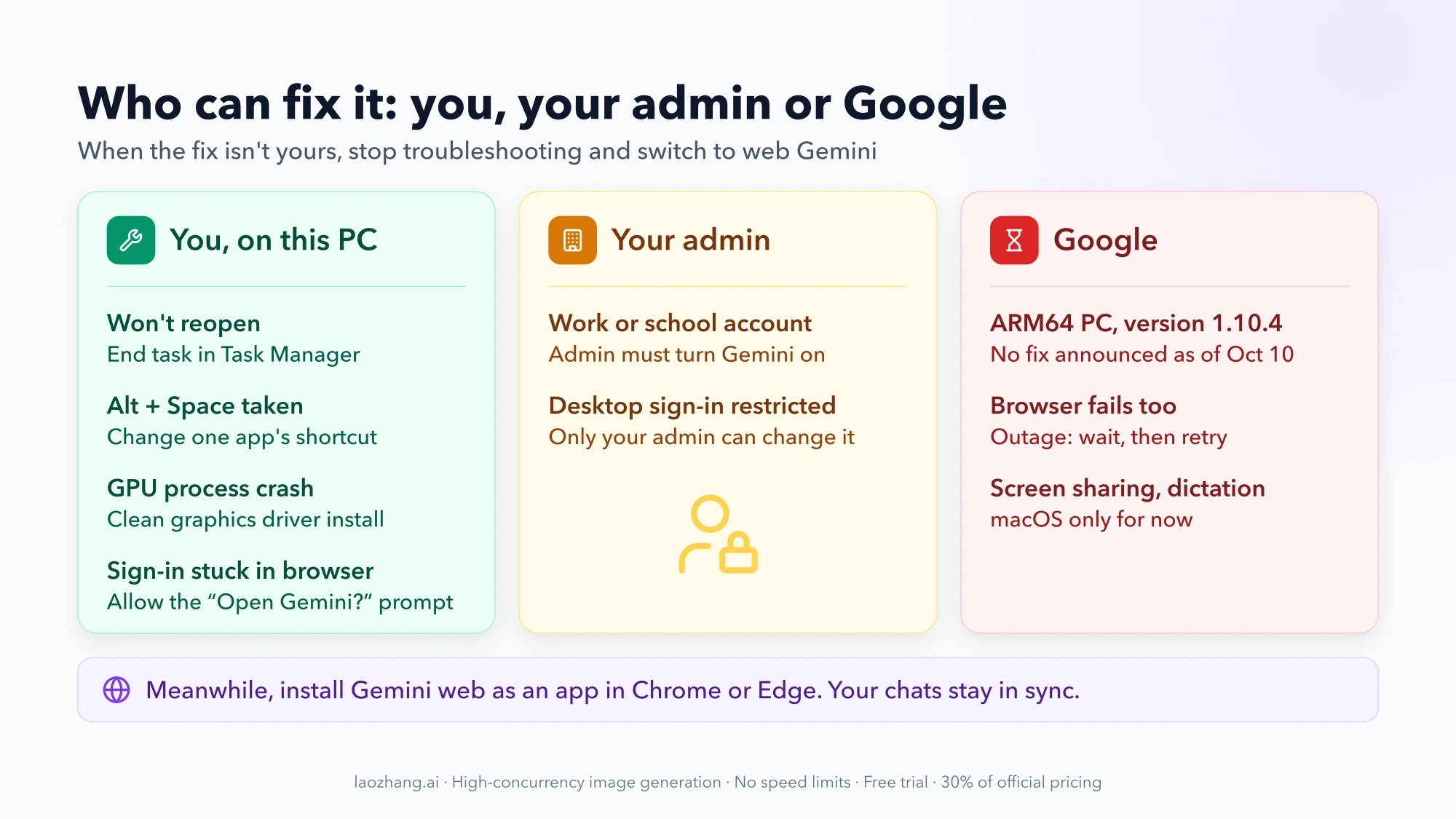
The web version installed as an app gets you a separate window, a taskbar icon and the same chats, without the desktop app's bugs. It doesn't have the Alt + Space shortcut.
- Chrome: open gemini.google.com, click the three-dot menu, choose Cast, save and share, then Install page as app.
- Edge: open gemini.google.com, click the three-dot menu, choose Apps, then Install this site as an app.
Because your history lives in your account, you can go back to the Windows app once an update fixes your problem and pick up where you left off.
Gemini for Windows: quick answers
Is there a problem with the Gemini app today?
Check gemini.google.com in a browser. If it fails there too, the problem is on Google's side or with your account, and the Windows app isn't to blame. Recent outage reports in r/GeminiAI are a quick way to see whether others are affected.
Can I disable Alt+Space for Gemini?
You can change it: right-click the Gemini tray icon, then go to Settings > General > Keyboard shortcut to open Gemini. Google doesn't say whether the shortcut can be switched off completely, so assign a combination you won't press by accident.
Will reinstalling the Gemini Windows app delete my chats?
No. Chat history and memory belong to your Google Account and sync across desktop, web and mobile. Sign in with the same account after reinstalling and they're still there.