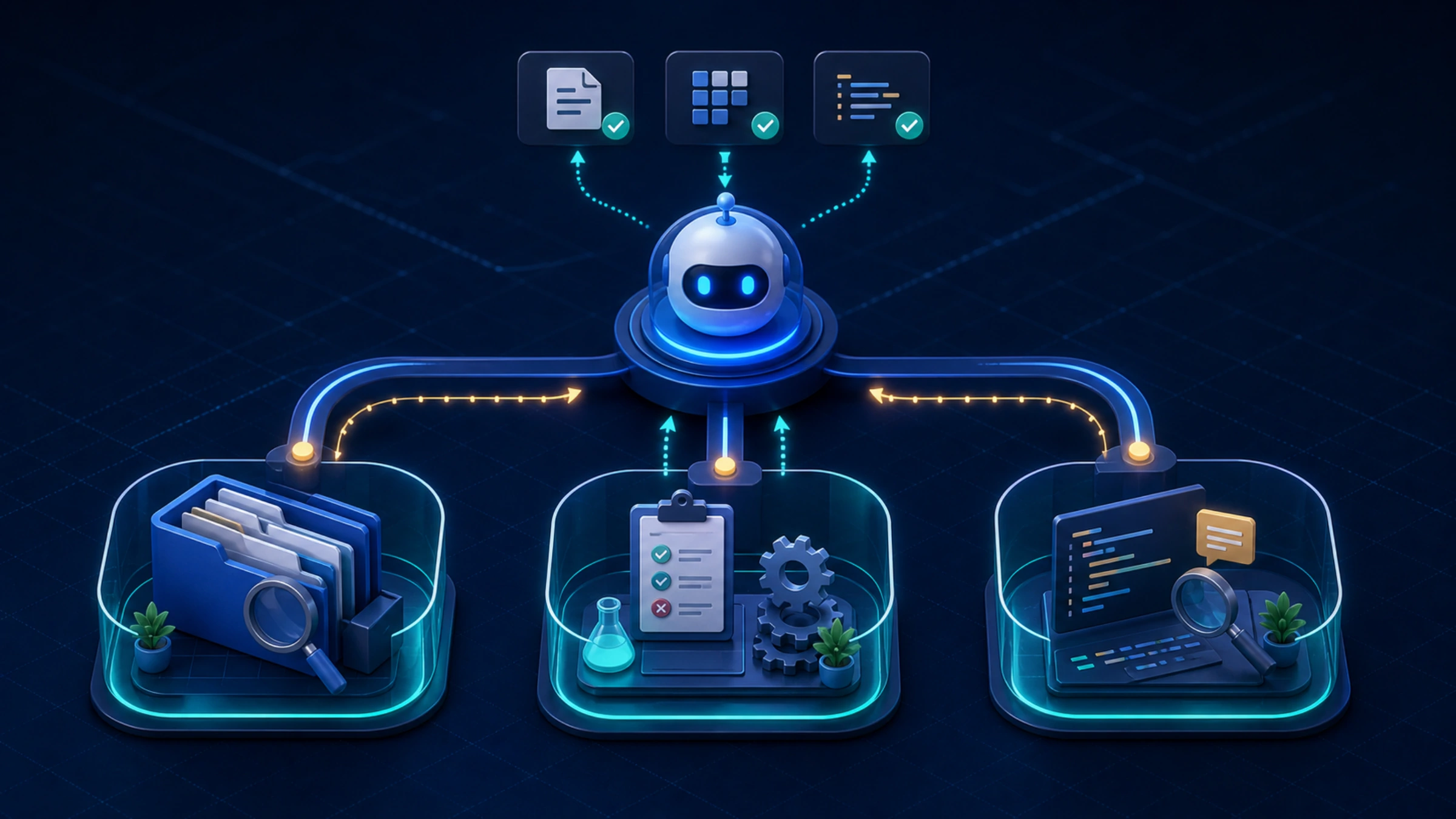
Codex's sandbox is the enforced boundary for local commands. It determines which files a command may modify and whether that command can use the network. The approval policy answers a different question: when must Codex pause and ask before crossing a boundary? Changing one does not silently change the other. OpenAI's Sandbox documentation also says spawned tools such as git, package managers, and test runners inherit the same boundary.
For ordinary local development, workspace-write with on-request is the useful baseline: routine work can continue inside the project, while a genuine boundary crossing can trigger an approval. read-only suits inspection. danger-full-access removes filesystem and network sandbox restrictions; it is a deliberate trust decision, not a generic cure for a failed install or a missing writable path. Likewise, approval_policy = "never" means “do not ask,” not “grant full access.”
The safe configuration workflow starts by identifying the blocked control, then changing the smallest layer that owns it. Personal defaults belong in ~/.codex/config.toml. A trusted repository can add .codex/config.toml for project behavior. Profiles and CLI flags serve reusable or one-off modes. This prevents a permission problem from turning into a simultaneous model, provider, network, and MCP rewrite.
Before editing anything, make a backup of the file you will touch. Do not delete the entire .codex directory to recover from one bad table: it may also contain credentials, profiles, rules, or other working state.
Put the setting in the layer that owns it
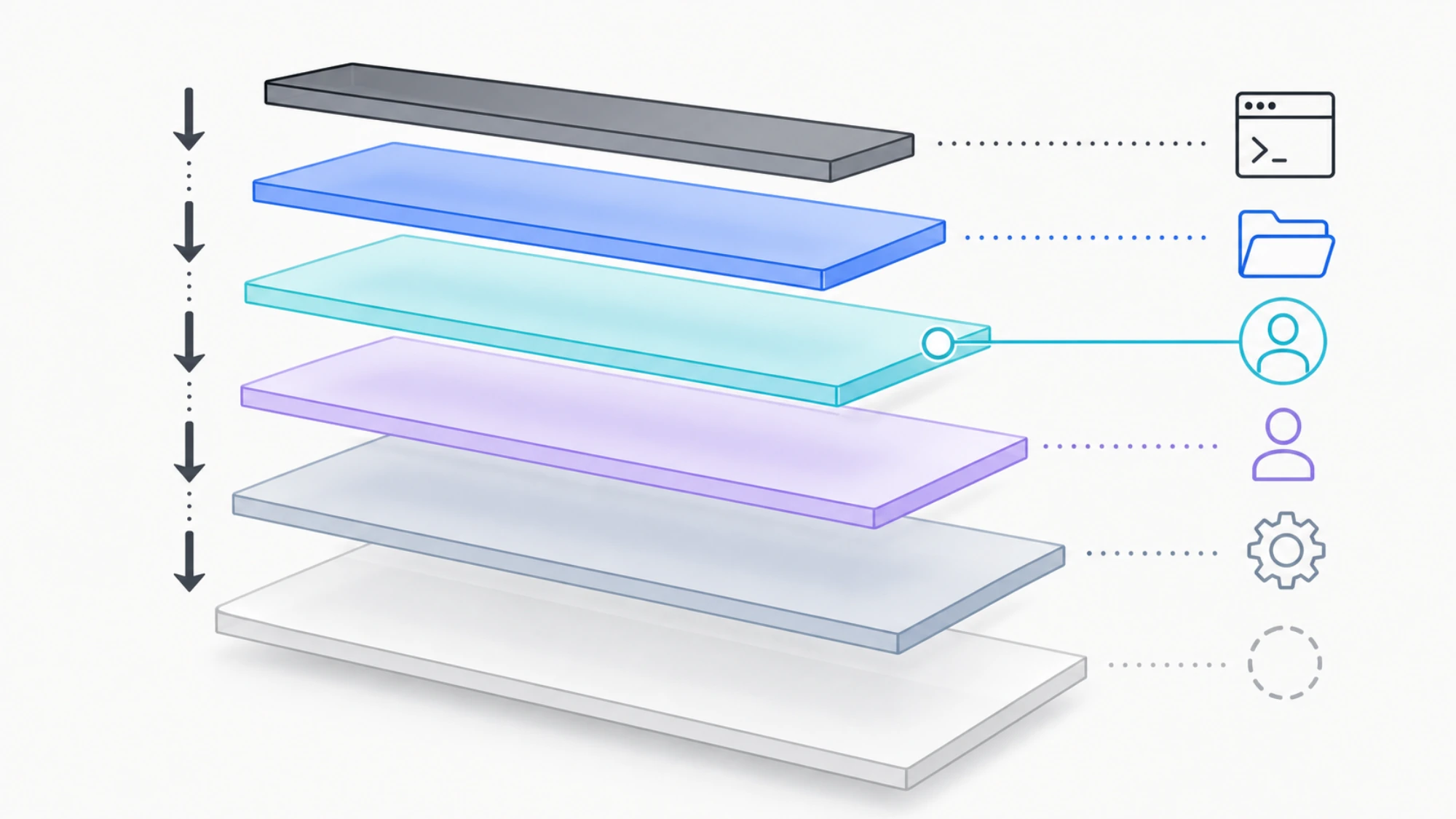
Codex resolves ordinary values from highest to lowest precedence:
- CLI flags and
--configoverrides; - trusted-project
.codex/config.tomlfiles, with the closest directory winning; - the file selected with
--profile; ~/.codex/config.toml;/etc/codex/config.tomlon Unix, when present;- built-in defaults.
That order comes from OpenAI's configuration precedence reference. It explains why editing the user file may appear to do nothing: a trusted project or command-line value can be winning above it.
The layer choice is more important than the syntax:
| Setting intent | Best home | Why |
|---|---|---|
| Your normal model, reasoning effort, notifications, or personal MCP servers | User config | These defaults should follow you across projects |
| A repository's safe execution boundary or shared project behavior | Trusted project config | The rule travels with that repository |
| A reusable “deep review” or “read-only audit” mode | Separate profile file | It changes a coherent set of values without rewriting your base |
| A temporary experiment | CLI flag or -c key=value | It disappears after the run and cannot silently become policy |
| A non-bypassable organizational restriction | Admin-managed requirements | Local files are defaults, not enforcement |
There is an important exception. Project config cannot override machine-local provider, authentication, profile-selection, notification, or telemetry classes, including model_provider, model_providers, profile, and otel. OpenAI lists the current reserved keys in the configuration reference. Put those values in user-level configuration instead of fighting the project layer.
Pick a sandbox boundary before tuning anything else
A practical personal file can be this small:
approval_policy = "on-request"
sandbox_mode = "workspace-write"
The mode and policy form two axes:
| Control | Decision it makes | What it does not prove |
|---|---|---|
sandbox_mode | Which filesystem and network resources commands can reach | Whether Codex will ask at a boundary |
approval_policy | When a command must pause for approval | That the requested action becomes technically possible |
approvals_reviewer | Who reviews eligible approval prompts | A change to the sandbox itself |
OpenAI currently documents three common sandbox modes. read-only permits inspection but restricts edits and commands. workspace-write supports routine work inside the workspace. danger-full-access removes sandbox restrictions. The common approval policies are untrusted, on-request, and never. Use the current permissions guide rather than assuming every client version displays the same labels: the CLI exposes /permissions, while the IDE and desktop app use the control below the composer.
If the job needs one additional repository, extend the writable area without opening the whole host:
sandbox_mode = "workspace-write"
approval_policy = "on-request"

[sandbox_workspace_write]
writable_roots = ["/absolute/path/to/second-repo"]
network_access = false
Use a specific absolute path. Adding a home directory or drive root defeats the value of a narrow boundary. The network_access value controls outbound access for commands inside the workspace-write sandbox. It is not the same control as web search, apps, MCP servers, or a remote browser. A working browser lookup therefore does not prove that npm install, a test downloader, or your application process can reach the internet.
The same mode has different platform prerequisites
The trust model is consistent, but enforcement is platform-native. OpenAI's current sandbox prerequisites identify different first failure points:
| Host path | Enforcement route | Check before changing permissions |
|---|---|---|
| macOS | Built-in Seatbelt framework | Whether the target path is inside the allowed workspace |
| Native Windows | Codex native Windows sandbox | Sandbox setup, device policy, and native compatibility |
| WSL2 | Linux sandbox implementation | WSL2 plus bubblewrap availability |
| Linux | bubblewrap and OS isolation | bwrap, user namespaces, and AppArmor policy |
On Ubuntu or Debian, install the distribution package first:
sudo apt install bubblewrapOn Fedora:
sudo dnf install bubblewrapIf Codex still reports that it cannot create the required user namespace, follow the distribution-specific AppArmor guidance in the official page before disabling a system-wide restriction. Containerized Linux adds another boundary: Docker may block the namespace, setuid bwrap, or seccomp operations Codex needs. Only after the outer container provides the intended isolation does it make sense to consider a broader Codex mode inside that container. The same setting on the bare host is a different risk decision.
Use profiles for modes, not inline duplicates
Profiles are separate configuration layers:
# ~/.codex/deep-review.config.toml
model_reasoning_effort = "xhigh"
approval_policy = "on-request"
sandbox_mode = "read-only"
Run it with:
codex --profile deep-reviewThe profile file only needs values that differ from your base. Project config and CLI flags can still override it. Profile formats can change between client versions, so confirm the current layout under Advanced Config: Profiles before copying an older inline [profiles.name] example.
Treat MCP as a process or connection, not just TOML
An MCP table can be syntactically valid while its process fails immediately. For a local STDIO server, keep the command, arguments, and forwarded environment explicit:
[mcp_servers.docs]
command = "docs-server"
args = ["--mode", "read-only"]
env_vars = ["DOCS_TOKEN"]
startup_timeout_sec = 20
tool_timeout_sec = 60
enabled = true
For a streamable HTTP server, use a URL and refer to a token by environment-variable name:
[mcp_servers.issue_tracker]
url = "https://mcp.example.internal/mcp"
bearer_token_env_var = "ISSUE_TRACKER_TOKEN"
enabled = true
Do not paste real tokens into an article, repository config, or support message. The official MCP configuration guide documents STDIO and streamable HTTP transports, OAuth, environment-based headers, allow/deny tool lists, timeouts, and required.
After an edit, use the commands exposed by your installed version:
codex mcp list
codex mcp --help
For OAuth-capable servers, the CLI also provides codex mcp login SERVER_NAME. A server appearing in the list proves that Codex parsed its definition; it does not prove the executable exists, the URL is reachable, authentication succeeds, or every tool behaves correctly.
Verify one boundary at a time
Use a short ladder rather than one “does Codex work?” test:
- File boundary: confirm you edited the intended user, project, or profile file.
- TOML boundary: ask the current CLI to reject unknown configuration where supported.
- Precedence boundary: remove one-off flags and check whether a trusted project or profile is overriding the value.
- Filesystem boundary: confirm the target is inside the workspace or an explicit writable root.
- Approval and command-network boundary: check whether a prompt can surface and whether the subprocess has outbound access.
- Platform boundary: confirm native Windows, WSL2,
bubblewrap, AppArmor, or the outer container can establish the sandbox. - Provider and MCP boundary: test auth, endpoint, server startup, and tool calls separately.
Recent Codex CLI builds expose --strict-config and a doctor command. Check your installed help before relying on them:
codex --version
codex --help
codex doctor --help
Where available, a useful read-only pass is:
codex --strict-config doctor --summary--strict-config is meant to fail on unrecognized fields, while doctor checks local installation, configuration, auth, and runtime health. If your version does not expose either option, use the exact commands shown by its --help and the configuration reference that matches that release.
Diagnose the symptom instead of rewriting the file
| Symptom | Most likely boundary | First useful check |
|---|---|---|
| A value is ignored only in one repo | Trust or project precedence | Confirm the repo is trusted and inspect closer .codex/config.toml layers |
| A provider block works in CLI but not IDE | Environment visibility | Confirm the IDE process can see the named environment variable |
| “Unknown field” or startup parse failure | Version or TOML | Compare the key with the current reference and run strict config if available |
| Codex reads a repo but cannot edit it | Sandbox mode or workspace root | Check the active permissions and exact target path |
| Package install or API-backed test cannot connect | Sandboxed command network | Check network_access, proxy/DNS, and approval separately from web search |
| Native Windows reports sandbox setup failure | Windows sandbox route or device policy | Confirm native versus WSL2 setup before changing access mode |
| Model changed but requests still use another route | Provider ownership or higher override | Check model_provider, profile, project layer, and CLI flags separately |
| MCP is listed but unavailable | Process, URL, auth, or timeout | Run codex mcp list, then verify the executable/URL and credential source |
| A risky mode will not enable on a work machine | Managed requirements | Ask whether organizational requirements.toml restricts that value |
On managed Business or Enterprise machines, requirements.toml can constrain approval policies, permission profiles, web-search modes, MCP allowlists, plugins, and feature flags. A user value that conflicts with an enforced rule can fall back to an allowed value with a notice. That behavior is documented in Admin-enforced requirements. Do not “fix” it by moving the same forbidden value to another local layer.
A safe change sequence
For routine work, use this order:
- identify the one behavior you want to change;
- choose user, trusted project, profile, or one-off scope;
- back up only that file;
- edit one coherent block;
- parse and inspect with the installed CLI;
- prove read access, then one workspace edit, then a project-owned test;
- test only the extra directory or network access the job actually needs;
- if it fails, return to the first unproven boundary;
- keep the change only after the expected behavior is visible.
That sequence separates four very different outcomes: a config layer did not load, the sandbox correctly denied an action, the approval policy did not allow a prompt, or the host could not establish the sandbox. It is much faster than debugging a full-access template that changed every control at once.
If the real decision is whether Codex is the right coding-agent surface rather than how to configure it, use the separate Claude Code vs Codex comparison. If your provider is specifically Microsoft Foundry, follow the dedicated Azure OpenAI for Codex route instead of mixing an Azure deployment block into a general baseline.