Note (October 5, 2026): Google's deprecations page schedules
veo-3.1-generate-preview,veo-3.1-fast-generate-previewandveo-3.1-lite-generate-previewto shut down on October 22, 2026, withgemini-omni-1.1-flashas the recommended replacement. Plan API migrations before that date.
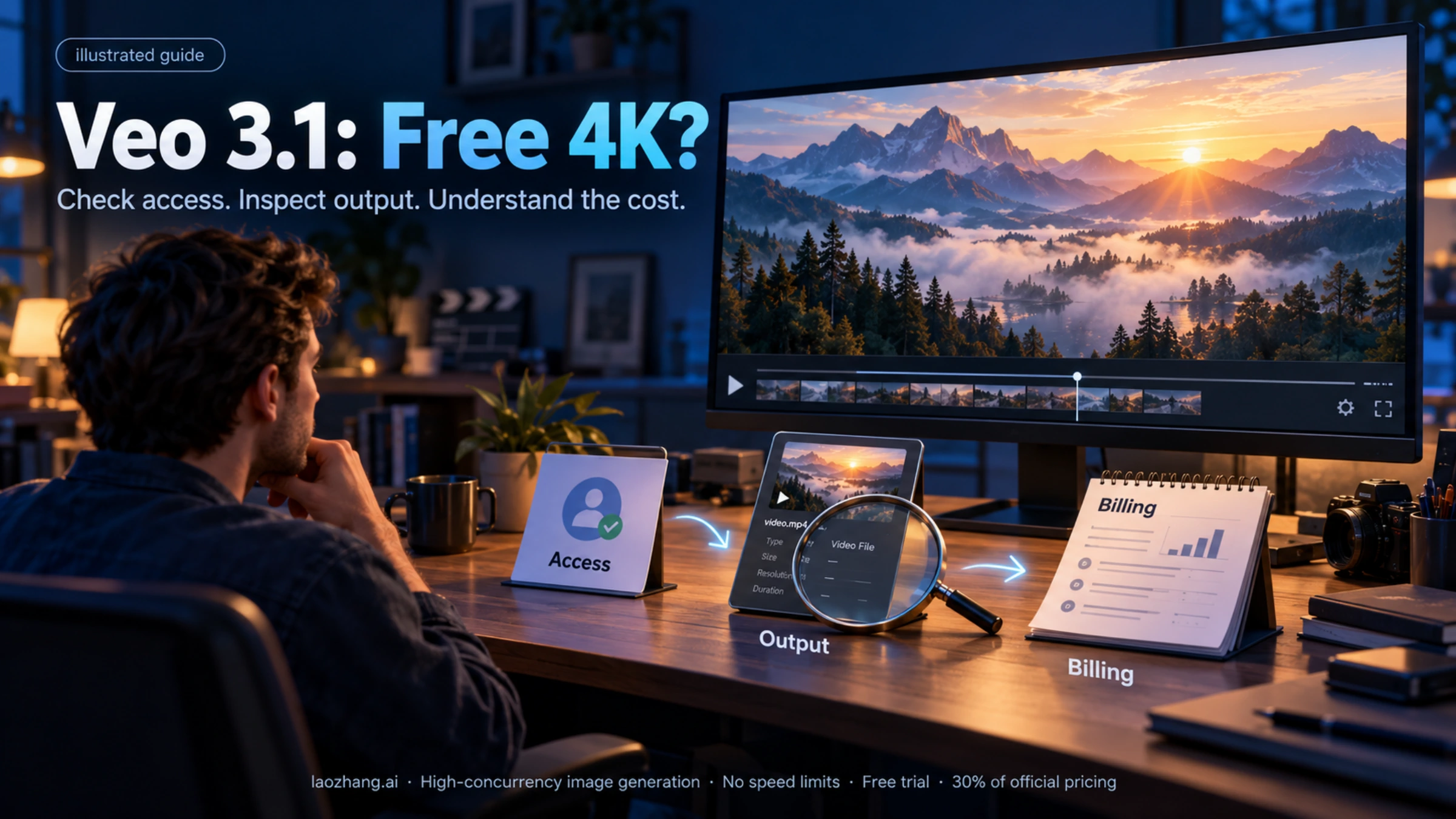
Looking for ways to access Google's Veo 3.1 4K video generation without paying? You're not alone. With the January 2026 update bringing 4K capabilities to Veo 3.1, thousands of creators are searching for free access methods. This guide cuts through the marketing hype to reveal what's actually possible, what's limited, and the most cost-effective alternatives when free options fall short.
The Truth About Free Veo 3.1 4K (Quick Answer)
The honest answer: True free 4K access is extremely limited. Most "free Veo 3.1" options advertised online only support 720p or 1080p resolution. The 4K (2160p) capability is primarily available through Google's paid enterprise tools: Flow, Gemini API, and Vertex AI.
However, there are legitimate ways to access 4K without ongoing costs:
- Google Cloud $300 credit for new users provides genuine 4K access through Vertex AI
- Google AI Pro 30-day trial offers 1080p (not 4K) but is completely free
- Student extended trials can provide 1-12 months of access in select countries
For most users seeking true 4K video generation, the realistic path involves either the Google Cloud credit (limited duration) or cost-effective API aggregators that offer 4K at significantly reduced rates compared to direct official pricing.
Why the confusion about "free 4K"? Many websites and platforms use "Veo 3.1" and "4K" in their marketing without clearly stating that 4K isn't actually available on free tiers. This creates significant frustration for users who discover the limitation only after signing up. Our goal in this guide is to provide transparent, accurate information so you can make informed decisions before investing time in any platform.
What's New in Veo 3.1 (January 2026 Update)
Google DeepMind released a significant update to Veo 3.1 on January 13, 2026. This update introduced several key improvements that make 4K video generation more accessible and capable than ever before.
Resolution improvements now include full 4K (2160p) output through Flow, Gemini API, and Vertex AI. The upscaling technology produces broadcast-quality results suitable for professional productions and large-screen displays.
Native vertical video support eliminates quality loss when creating content for YouTube Shorts, TikTok, and Instagram Reels. The 9:16 aspect ratio is generated natively rather than cropped from horizontal footage.
Enhanced character consistency maintains stable appearances across scene changes. Previous versions struggled with faces and features "drifting" between frames, but the January update significantly reduces this issue.
Improved audio synchronization provides better lip-sync technology and natural sound effects that match visual elements more accurately than the October 2025 release.
Official Gemini API pricing (checked October 2026) is $0.40 per second for Veo 3.1 Standard at 720p/1080p and $0.60 per second at 4K; Veo 3.1 Fast costs $0.10, $0.12 and $0.30 per second at 720p, 1080p and 4K. An 8-second 4K video therefore costs $2.40 (Fast) to $4.80 (Standard) through official channels.
Technical specifications for 4K output:
- Resolution: 3840x2160 (standard 4K) or 2160x3840 (vertical 4K)
- Frame rate: 24 FPS
- Duration: Up to 8 seconds per generation
- File format: MP4 with H.264 encoding
- Audio: Native stereo with dialogue sync
- Color depth: 8-bit SDR
These specifications match broadcast standards, making Veo 3.1 4K output suitable for professional workflows without additional processing.
All Free Access Methods (Complete List)
Understanding your options helps you choose the best approach for your specific needs and budget constraints.
Official Methods from Google
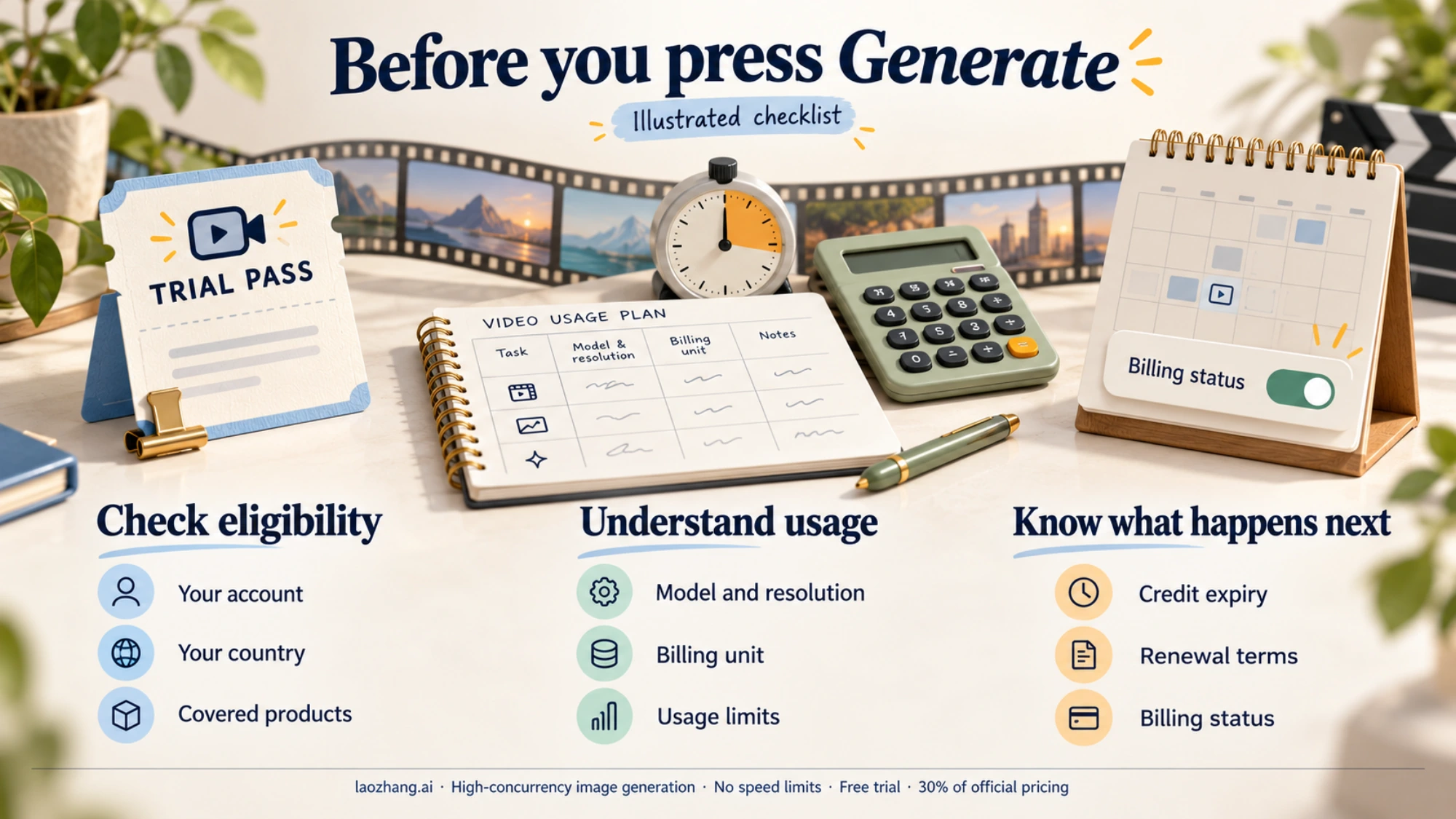
Google AI Pro Free Trial offers 30 days of access without payment. During the trial, you receive approximately 3 video generations per day through the Gemini app. The maximum resolution is 1080p, not 4K. You must provide a payment method but won't be charged if you cancel before the trial ends. Visit gemini.google.com/subscriptions to claim this offer.
Google Cloud $300 Credit is available to new Google Cloud users. This credit can be applied toward Vertex AI, which does support full 4K output. At the list price of $0.60 per second for Standard 4K, the $300 credit covers about 62 eight-second 4K videos, or about 125 with Fast at $0.30 per second. This is currently the only truly free path to 4K generation, though it's limited to new users.
Student Extended Trials provide 1-12 months of Google AI Pro access for eligible university students in select countries. The extended duration makes this valuable for longer projects, though resolution caps at 1080p. Check your eligibility at gemini.google.com/student.
Third-Party Platforms
TryVeo3.ai offers no-signup-required access with 100 credits per month. Maximum resolution is 720p with watermarks on generated videos. Best for quick testing and exploration rather than production use. Commercial use is restricted under the free tier.
Synthesia AI Playground provides free Veo 3.1 access through a Synthesia account. Resolution reaches 1080p for short clips. The platform includes avatar integration and voiceover capabilities, making it suitable for presenters who want to test AI video before committing to paid plans.
Kie AI offers free initial credits for testing their API platform. Resolution supports 720p-1080p. Subsequent usage costs $0.30 per video (Fast) or $1.25 per video (Quality mode) (prices observed in January 2026; check the current rate).
Lovart.ai includes a free tier with no credit card required. Monthly video allowance varies but typically allows several test generations. Maximum resolution is 1080p with watermarks on free-tier outputs.
For a comprehensive guide to free API access methods, see our detailed Veo 3 API free access guide.
Platform Comparison: Resolution and Limitations
Understanding exactly what each platform offers prevents disappointment when your "free 4K" video comes out at 720p.
| Platform | Type | Max Resolution | Cost | 4K Available |
|---|---|---|---|---|
| Google Flow/API | Official | 4K (2160p) | $0.30-$0.60/sec at 4K | Yes |
| Google AI Pro | Official | 1080p | $19.99/month | No |
| AI Pro Free Trial | Free | 1080p | $0 (30 days) | No |
| Google Cloud Credit | Free | 4K (2160p) | $0 (new users) | Yes |
| TryVeo3.ai | Third-Party | 720p | $0 | No |
| Synthesia Playground | Third-Party | 1080p | $0 | No |
| Kie AI | Third-Party | 1080p | $0.30-$1.25/video | No |
| Lovart.ai | Third-Party | 1080p | Free tier | No |
Key observation: Only two paths currently provide free 4K access: Google Cloud's $300 credit for new users, and direct API access through paid channels. Every "free Veo 3.1" third-party platform caps resolution at 1080p or lower.
The watermark situation varies significantly between platforms. Official Google services apply SynthID (invisible AI watermarking) rather than visible watermarks, while most third-party free tiers include visible branding on outputs.
Understanding resolution quality differences:
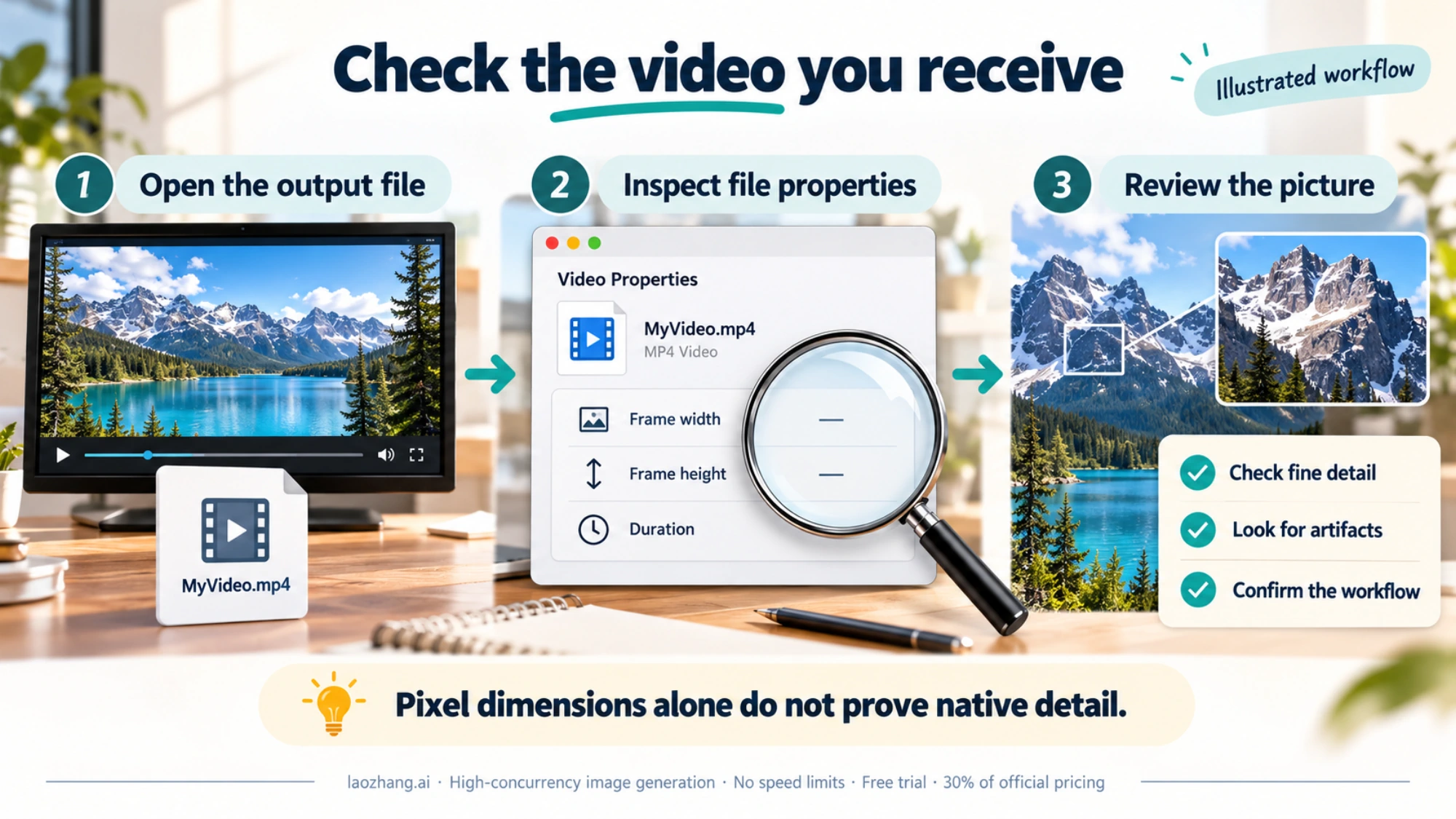
The gap between 720p and 4K is substantial in practice. At 720p (1280x720), you're working with approximately 921,600 pixels. At 4K (3840x2160), that number jumps to 8,294,400 pixels—over 9 times more visual information. This difference becomes apparent when:
- Viewing on screens larger than 32 inches
- Cropping footage for reframing
- Adding text overlays that need crisp edges
- Displaying fine details like facial expressions or product textures
- Uploading to platforms that support 4K playback
For social media distribution, the practical difference is less pronounced. YouTube compresses all uploads, and most viewers watch on mobile devices where 1080p appears identical to 4K at normal viewing distances.
True Cost Breakdown
When free options don't meet your needs, understanding the real cost per video helps you budget effectively.
Free tier reality: $0 per video, but limited to 720p-1080p with watermarks and daily generation caps (typically 3-10 videos). Not suitable for commercial use.
Official API pricing: $0.30-$0.60 per second at 4K means an 8-second 4K video costs $2.40-$4.80. For 20 videos monthly, expect $48-$96 at official rates.
API aggregator pricing: Platforms consolidating multiple AI video providers set their own per-second or per-video prices. Compare them with the official $2.40-$4.80 per 8-second 4K clip, and confirm the output really is 4K.
For developers and businesses needing regular 4K video generation, API aggregators like laozhang.ai offer unified access to multiple AI video models including Veo 3.1 at their own rates, which can be lower than direct API pricing; check the current price before planning ongoing production.
Subscription comparison:
- Google AI Pro: $19.99/month for 1080p only
- 20 videos via aggregator: depends on the provider's current price
- 20 videos via official API: $48-$96/month for 4K (Fast to Standard)
The counterintuitive result: API aggregators often provide 4K access at lower total cost than Google's subscription plan provides 1080p access, assuming moderate usage volumes.
How to Actually Get 4K (Step-by-Step)
If 4K resolution is essential for your project, here's the most practical path using Google Cloud credit.
Step 1: Create a Google Cloud account. Visit cloud.google.com and sign up. New accounts automatically receive $300 in free credits valid for 90 days.
Step 2: Enable the Vertex AI API. Navigate to the API library, search for "Vertex AI," and enable it for your project.
Step 3: Access the Vertex AI Studio. This interface provides direct access to Veo 3.1 with full 4K capability.
Step 4: Configure video settings. Select "Standard" quality for 4K output. Fast mode provides lower resolution. Set your desired duration (maximum 8 seconds).
Step 5: Generate and download. Enter your prompt, generate the video, and download the 4K output. Monitor your credit balance to avoid unexpected charges.
Step 6: Track usage carefully. At $0.60/second for Standard 4K, the $300 credit supports about 500 seconds or 62 eight-second videos (about 125 with Fast at $0.30/second). Set budget alerts to avoid surprises when credits deplete.
For detailed tutorials on Veo 3.1 usage, see our complete Veo 3.1 video generation guide.
Do You Really Need 4K? (Decision Guide)
Before investing time or money in 4K generation, honestly assess whether your use case requires it.
4K is worth pursuing when:
- Your videos will display on 4K screens or large displays
- You're producing content for broadcast or cinema
- Professional clients specifically require 4K deliverables
- You need to crop or reframe footage while maintaining quality
- Your content features fine details that benefit from higher resolution
1080p is sufficient when:
- Your primary distribution is social media (YouTube, TikTok, Instagram)
- Videos will mainly be viewed on mobile devices
- You're creating quick content for marketing tests
- Budget constraints outweigh quality requirements
- File size and processing speed matter more than resolution
720p works for:
- Rapid prototyping and concept testing
- Internal presentations and demos
- Learning and experimentation
- Situations where content matters more than quality
Most social media platforms compress uploads anyway, meaning viewers often can't perceive the difference between 4K and 1080p source files. If your content lives primarily on social platforms, the premium for 4K may not provide visible value.
For a detailed comparison of Veo 3.1 versus other AI video generators, see our Sora 2 vs Veo 3.1 comparison guide.
Best Alternatives If Free Doesn't Work
When free options don't meet your requirements, these alternatives provide the best value for different situations.
For occasional 4K needs: Use the Google Cloud $300 credit strategically. Reserve it for projects that genuinely require 4K rather than burning through credits on test generations.
For regular 1080p production: The Google AI Pro $19.99/month subscription provides consistent access without per-video costs. While it doesn't include 4K, its usage-limited 1080p generation suits many creator workflows.
For developers and automation: API aggregation services consolidate multiple video AI providers into a single interface. These platforms typically offer Veo 3.1 alongside alternatives like Sora 2 and Kling, enabling model comparison and cost optimization. The pay-per-use model works better than subscriptions for variable-volume workflows.
For maximum cost savings: Consider whether AI video generation is essential, or whether stock footage with AI editing might achieve similar results at lower cost. Tools combining stock libraries with AI enhancement sometimes provide better value than pure generation for certain use cases.
For professional productions: Direct API access through Google Cloud remains the most reliable option despite higher costs. Enterprise accounts receive priority processing and support that third-party platforms cannot match.
Hybrid workflow strategy: Many professional creators combine multiple approaches. They use free tiers for brainstorming and concept testing, API aggregators for regular production, and direct Google API for mission-critical projects requiring guaranteed quality and support. This tiered approach optimizes both cost and quality across different project phases.
Batch processing considerations: If you're generating multiple videos, API access (whether direct or through aggregators) provides more predictable throughput than consumer-tier services. Free tiers often throttle users who submit multiple requests, while API access maintains consistent generation speeds regardless of volume.
Future-proofing your workflow: As AI video technology evolves rapidly, avoid building workflows dependent on a single platform. Using API aggregators that support multiple providers (Veo 3.1, Sora 2, Kling, etc.) provides flexibility to switch models as capabilities and pricing change without rebuilding your entire production pipeline.
FAQ
Can I get Veo 3.1 4K completely free?
Only through the Google Cloud $300 credit for new users. All other free options cap resolution at 720p-1080p. Third-party platforms advertising "free 4K Veo 3.1" typically deliver lower resolutions than advertised.
What's the cheapest way to get ongoing 4K access?
API aggregators can offer a lower per-video cost for 4K generation. For 20 monthly 4K videos the official API costs $48-$96; compare that with an aggregator's current price.
Is free Veo 3.1 safe to use for commercial projects?
No. Most free tiers explicitly prohibit commercial use and include watermarks. For commercial work, use official paid channels or properly licensed API access.
How does Veo 3.1 4K compare to Sora 2?
Veo 3.1 offers 4K maximum resolution while Sora 2 caps at 1080p. Veo 3.1 also includes native audio generation. However, Sora 2 provides better physics simulation and longer duration (up to 20 seconds). Choose based on which features matter most for your specific project.
Will 4K become available on free tiers?
Unlikely in the near term. 4K generation requires significantly more computational resources, making it economically difficult to offer freely. Expect free tiers to remain at 720p-1080p for the foreseeable future.
Do I need special software to use 4K Veo 3.1 videos?
Standard video editing software handles 4K files, though you'll need adequate storage (4K files are 4x larger than 1080p) and processing power for smooth editing. Most modern computers from 2020 onward handle 4K editing adequately.
How long does 4K generation take compared to lower resolutions?
Generation time varies by quality setting and server load. Standard quality 4K typically takes 2-4 minutes per 8-second video. Fast mode reduces this to 30-60 seconds but outputs lower resolution (usually 1080p). Third-party platforms may have additional queue times during peak hours.
Can I upscale free 720p/1080p videos to 4K using external tools?
Yes, but with limitations. AI upscalers like Topaz Video AI can increase resolution, but the result won't match native 4K generation quality. Upscaling adds processing time and potential artifacts. For critical projects, native 4K generation produces better results than upscaled lower-resolution footage.
Are there regional restrictions on Veo 3.1 4K access?
Currently, Veo 3.1 is available in the United States, Canada, India, New Zealand, and Australia through consumer channels. API and enterprise access has broader availability. Check Google's official documentation for current regional restrictions before planning projects dependent on Veo 3.1 access.
What happens when my Google Cloud $300 credit runs out?
You'll be prompted to upgrade to a paid account. Google does not automatically charge without consent, but you'll lose API access until you either add payment or delete the project. Set budget alerts at 50%, 75%, and 90% consumption to avoid unexpected service interruption.
Conclusion
Free Veo 3.1 4K access remains limited primarily to Google Cloud's $300 credit for new users. While numerous platforms advertise "free Veo 3.1," actual 4K output is restricted to paid official channels. Third-party free tiers provide 720p-1080p maximum, suitable for testing but not professional production.
For users who genuinely need 4K, the most cost-effective ongoing solution involves API aggregators that consolidate video AI providers at reduced rates. Compare their current prices with the official $2.40-$4.80 per 8-second 4K clip before committing.
Before pursuing 4K specifically, honestly assess whether your distribution channels and audience will benefit from the higher resolution. For social media content, 1080p often provides equivalent perceived quality at significantly lower cost.
For detailed API documentation and integration guides, visit docs.laozhang.ai for comprehensive technical resources on video AI access.
Key takeaways from this guide:
- True free 4K is only available through Google Cloud $300 credit (new users only)
- All third-party "free Veo 3.1" platforms cap resolution at 720p-1080p
- API aggregators provide the most cost-effective ongoing 4K access
- Consider whether your use case actually requires 4K before investing
- Social media distribution rarely benefits from 4K source files
- Hybrid workflows combining free tiers with paid API access optimize both cost and quality
The AI video generation landscape continues evolving rapidly. Check back regularly for updates as new platforms and pricing structures emerge in this competitive space.